Best Free MCP Servers You Can Install Right Now (2026)
20 free MCP servers you can install in 60 seconds. One-line install commands, what each server does, and why it belongs in your Claude Code setup. All open source.

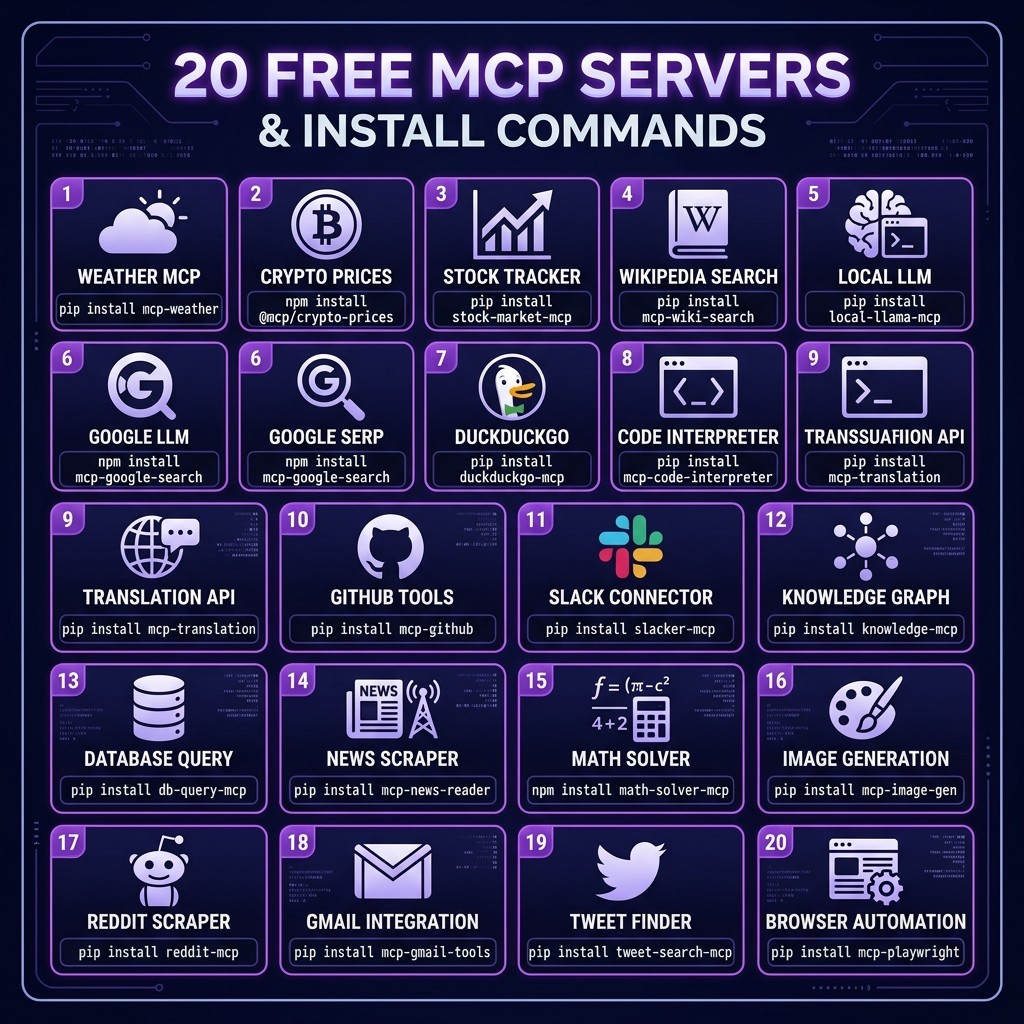
Best Free MCP Servers You Can Install Right Now (2026)
By David Henderson | March 26, 2026 | 14 min read
Table of Contents
- How to Install Any MCP Server
- The 20 Best Free MCP Servers
- How I Chose This List
- Building Your MCP Stack
- Frequently Asked Questions
How to Install Any MCP Server {#how-to-install}
Before diving into the list, here is how MCP server installation works. Every server on this list uses the same pattern:
claude mcp add <server-name> -- <command>That is it. One command adds the server to your Claude Code configuration. The server starts automatically when Claude Code launches.
To verify an installed server is working:
claude mcp listTo remove a server:
claude mcp remove <server-name>If you want the full technical background on what MCP servers are and how the protocol works, read the complete guide to MCP servers. If you want to understand how MCP servers relate to skills, hooks, and other Claude Code extensions, see Skills vs MCP Servers vs Plugins.
Now, the list.
The 20 Best Free MCP Servers {#the-list}
1. Filesystem MCP Server
What it does: Gives Claude controlled access to specific directories on your filesystem with configurable read/write permissions and path restrictions.
claude mcp add filesystem -- npx @anthropic-ai/mcp-filesystem --dir=/path/to/projectWhy it matters: This is the foundation. Without filesystem access, Claude operates blind. The filesystem MCP lets you scope access to specific directories — giving Claude access to your project without exposing your home directory, SSH keys, or credentials. I reviewed this server in detail in the Filesystem MCP review.
No API key required.
2. GitHub MCP Server
What it does: Full GitHub integration — read repos, create issues, open PRs, review code, manage branches, search across organizations.
claude mcp add github -- npx @anthropic-ai/mcp-githubWhy it matters: If you use GitHub (and you probably do), this server transforms Claude into a GitHub-native assistant. It can create branches, open pull requests, write PR descriptions, and respond to code review comments. See the GitHub MCP review for the full breakdown.
Requires: GITHUB_TOKEN environment variable (free personal access token).
3. Playwright MCP Server
What it does: Browser automation — navigate pages, take screenshots, interact with elements, fill forms, run end-to-end tests.
claude mcp add playwright -- npx @anthropic-ai/mcp-playwrightWhy it matters: This gives Claude eyes. It can navigate to your dev server, screenshot the page, and verify that components render correctly. For frontend developers, it is indispensable. I wrote a full Playwright MCP review covering every feature.
No API key required.
4. Supabase MCP Server
What it does: Direct interaction with Supabase projects — query databases, manage tables, handle auth, interact with storage buckets, execute RPC functions.
claude mcp add supabase -- npx supabase-mcp-serverWhy it matters: If your backend is Supabase, this server lets Claude query your database, inspect schema, write migrations, and debug data issues without you copy-pasting SQL results. The Supabase MCP review has the deep dive.
Requires: SUPABASE_URL and SUPABASE_KEY environment variables (free tier available).
5. SQLite MCP Server
What it does: Read and write SQLite databases. Query data, inspect schema, create tables, run migrations.
claude mcp add sqlite -- npx @anthropic-ai/mcp-sqlite --db=./database.sqliteWhy it matters: SQLite is everywhere — local development databases, mobile app storage, embedded analytics, configuration stores. This server lets Claude interact with any SQLite file directly.
No API key required.
6. Memory MCP Server
What it does: Persistent key-value memory that survives across Claude Code sessions. Store and retrieve facts, preferences, project state, and context.
claude mcp add memory -- npx @anthropic-ai/mcp-memoryWhy it matters: Claude Code sessions are stateless by default. The Memory MCP server gives Claude a persistent notepad. It can remember decisions made in previous sessions, store project-specific context, and maintain running notes. This is particularly useful for long-running projects where continuity matters.
No API key required.
7. Fetch MCP Server
What it does: Make HTTP requests to any URL — GET, POST, PUT, DELETE with custom headers, bodies, and authentication.
claude mcp add fetch -- npx @anthropic-ai/mcp-fetchWhy it matters: Claude can call any REST API, webhook, or HTTP endpoint. Test your API endpoints, fetch data from external services, trigger webhooks, or interact with any HTTP-based service. Simple but incredibly versatile.
No API key required.
8. Puppeteer MCP Server
What it does: Headless Chrome automation with full page interaction, PDF generation, screenshot capture, and JavaScript execution.
claude mcp add puppeteer -- npx @anthropic-ai/mcp-puppeteerWhy it matters: For tasks that need full Chrome capabilities beyond what Playwright offers — PDF generation, complex JavaScript execution, Chrome DevTools Protocol access — Puppeteer MCP fills the gap. Particularly useful for generating PDF reports, scraping SPAs, and performance profiling.
No API key required.
9. Git MCP Server
What it does: Git operations beyond what Claude Code's built-in bash access provides — interactive rebases, complex merge strategies, reflog navigation, bisect automation.
claude mcp add git -- npx mcp-git-serverWhy it matters: While Claude Code can run git commands via bash, the Git MCP server provides structured access to Git operations with better error handling and output parsing. It excels at complex operations like automated bisection to find bug-introducing commits.
No API key required.
10. Docker MCP Server
What it does: Manage Docker containers, images, volumes, and networks. Start, stop, build, and inspect containers.
claude mcp add docker -- npx mcp-docker-serverWhy it matters: If your development environment uses Docker (and most do in 2026), this server lets Claude manage your containers, read logs, rebuild images, and troubleshoot container networking. No more switching between Claude and a Docker dashboard.
Requires: Docker daemon running.
11. PostgreSQL MCP Server
What it does: Connect to PostgreSQL databases. Run queries, inspect schema, analyze query plans, manage migrations.
claude mcp add postgres -- npx mcp-postgres-server --connection-string=$DATABASE_URLWhy it matters: For projects using PostgreSQL directly (not through Supabase), this server gives Claude full database access. It can analyze slow queries with EXPLAIN, inspect indexes, and write optimized SQL.
Requires: DATABASE_URL environment variable.
12. Redis MCP Server
What it does: Interact with Redis instances. Read/write keys, manage data structures, monitor pub/sub channels, inspect memory usage.
claude mcp add redis -- npx mcp-redis-server --url=redis://localhost:6379Why it matters: Redis debugging is painful without tooling. This server lets Claude inspect cache contents, clear specific keys, monitor pub/sub messages, and diagnose memory issues. Useful for debugging caching bugs and session management.
No API key required (assumes local Redis instance).
13. Slack MCP Server
What it does: Read and send Slack messages, manage channels, search message history, interact with threads.
claude mcp add slack -- npx mcp-slack-serverWhy it matters: Claude can send deployment notifications, post status updates, read team discussions for context, and respond to questions in Slack channels. Useful for automating team communication workflows.
Requires: Slack bot token (free Slack workspace).
14. Sentry MCP Server
What it does: Query Sentry for error reports, stack traces, release data, and performance metrics.
claude mcp add sentry -- npx mcp-sentry-serverWhy it matters: When Claude encounters a bug report, it can pull the full stack trace from Sentry, analyze the error pattern, and trace it to the source code. This closes the loop between error monitoring and bug fixing.
Requires: SENTRY_AUTH_TOKEN (free tier available).
15. Notion MCP Server
What it does: Read and write Notion pages, databases, and blocks. Search across a workspace, create pages, update properties.
claude mcp add notion -- npx mcp-notion-serverWhy it matters: If your team uses Notion for documentation, project management, or knowledge bases, Claude can read specs directly from Notion pages, update documentation after code changes, and create task entries. No more copy-pasting between Notion and your terminal.
Requires: Notion integration token (free).
16. Todoist MCP Server
What it does: Manage Todoist tasks — create, update, complete, and organize tasks and projects.
claude mcp add todoist -- npx mcp-todoist-serverWhy it matters: Claude can create tasks as it discovers them during development (TODOs in code, failed tests, tech debt), check off tasks as they are completed, and manage your development backlog. Lightweight task management without leaving the terminal.
Requires: Todoist API token (free tier available).
17. Linear MCP Server
What it does: Interact with Linear — create issues, update statuses, query backlogs, manage cycles and projects.
claude mcp add linear -- npx mcp-linear-serverWhy it matters: For teams using Linear for issue tracking, Claude can create issues from code analysis, update ticket statuses as work progresses, and query the backlog for context on related issues. Tighter integration between code and project management.
Requires: Linear API key (free tier available).
18. Cloudflare MCP Server
What it does: Manage Cloudflare Workers, KV stores, R2 buckets, D1 databases, and DNS records.
claude mcp add cloudflare -- npx @cloudflare/mcp-serverWhy it matters: If you deploy to Cloudflare's ecosystem, Claude can manage your Workers, query KV stores, interact with D1 databases, and configure DNS — all from the terminal. Particularly useful for edge-first architectures.
Requires: Cloudflare API token (free tier available).
19. Stripe MCP Server
What it does: Query Stripe data — customers, subscriptions, invoices, payment intents, products, and prices.
claude mcp add stripe -- npx mcp-stripe-serverWhy it matters: For projects with Stripe integration, Claude can inspect customer data, verify webhook payloads, debug payment flows, and generate test data. Useful for debugging billing issues without logging into the Stripe dashboard.
Requires: Stripe API key (test mode is free).
20. Brave Search MCP Server
What it does: Web search through the Brave Search API. Returns structured search results with titles, URLs, and snippets.
claude mcp add brave-search -- npx @anthropic-ai/mcp-brave-searchWhy it matters: Claude's training data has a cutoff date. The Brave Search MCP lets it look up current information — library documentation, recent release notes, Stack Overflow answers, and anything else on the web. This is the "give Claude internet access" MCP server.
Requires: BRAVE_API_KEY (free tier: 2,000 queries/month).
How I Chose This List {#selection-criteria}
Every server on this list meets four criteria:
- Free and open source. No paid tiers that lock useful features. No "free trial" bait-and-switch. The server is genuinely free.
- One-line install. Every server installs with a single
claude mcp addcommand. No multi-step configuration, no building from source, no Docker required (Docker MCP itself requires Docker, but that is because it manages Docker).
- Broadly useful. These are not niche tools for specific frameworks. Each server solves a problem that most developers encounter regularly.
- Well-maintained. Every server on this list has been updated within the last three months, has an active maintainer, and handles errors gracefully. I excluded several promising servers that are abandoned or crash on edge cases.
The Skiln MCP directory catalogs over 12,000 MCP servers. This list is the curated twenty that I believe every developer should know about. For domain-specific recommendations, see our guides for data engineers and enterprise teams.
Building Your MCP Stack {#building-your-stack}
You do not need all twenty. Here is how I recommend building your MCP stack incrementally.
The Starter Pack (Install These First)
- Filesystem — Claude needs to read and write files
- GitHub — Version control integration
- Fetch — HTTP access for API testing
- Memory — Persistent context across sessions
These four cover the basics. Install them on day one.
claude mcp add filesystem -- npx @anthropic-ai/mcp-filesystem --dir=.
claude mcp add github -- npx @anthropic-ai/mcp-github
claude mcp add fetch -- npx @anthropic-ai/mcp-fetch
claude mcp add memory -- npx @anthropic-ai/mcp-memory
The Frontend Pack (Add for UI Development)
- Playwright — Browser automation and screenshots
- Puppeteer — PDF generation and advanced Chrome features
The Backend Pack (Add for API and Database Work)
- PostgreSQL or SQLite — Database access
- Redis — Cache inspection
- Docker — Container management
- Stripe — Payment debugging (if applicable)
The Productivity Pack (Add for Team Workflows)
- Slack — Team communication
- Notion or Linear — Project management
- Todoist — Task tracking
- Brave Search — Web access
The Infrastructure Pack (Add for DevOps)
- Cloudflare — Edge deployment
- Sentry — Error monitoring
- Supabase — BaaS management
- Git — Advanced Git operations
Start small, add as you need. Each server is independent — there are no dependencies between them. Remove any that you do not use regularly to keep your configuration clean.
For MCP server troubleshooting tips, the MCP troubleshooting guide covers the most common issues (connection failures, timeout errors, permission problems).
Frequently Asked Questions {#faq}
Are these MCP servers really free forever?
Every server on this list is open source and free to self-host. Some require API keys from external services (GitHub, Stripe, Brave Search) that have free tiers. As long as you stay within those free tier limits, there is no cost. The MCP servers themselves will always be free.
Do these work with Cursor and Copilot too?
Most MCP servers work across Claude Code, Cursor, and Copilot (which added MCP support in early 2026). The install command differs between tools, but the servers are the same. See our ecosystem comparison for details.
How many MCP servers can I run simultaneously?
There is no hard limit. Each server is a separate process that consumes minimal resources when idle. I routinely run eight to ten servers without issues on a machine with 16GB RAM. If you are on 8GB, keep it to five or six.
Can I build my own MCP server?
Yes. MCP servers are Node.js or Python scripts that follow a standard protocol. A basic server is about 50 lines of code. Our build an MCP server tutorial walks through the process from scratch.
What happens if an MCP server crashes?
Claude Code handles MCP server failures gracefully. If a server is unavailable, Claude reports that the tool is not accessible and continues with other available tools. You can restart a crashed server without restarting Claude Code.
Are there security risks to installing MCP servers?
MCP servers run with your user permissions and can make network requests. Only install servers from trusted sources. Review the source code of any server that requests broad filesystem or network access. For security best practices, see the enterprise MCP guide.