Supabase MCP vs Postgres MCP: Which Database Server? (2026)
Supabase MCP vs Postgres MCP Pro — tools, auth, migrations, index tuning, and health checks compared. An honest head-to-head for developers.

Key Takeaways
- Supabase MCP is a full-stack BaaS server with 20+ tools covering database, edge functions, branching, storage, and project management. Best for teams already on Supabase.
- Postgres MCP Pro is a DBA-focused server with 8 tools built for query optimization, index tuning via HypoPG, and health monitoring. It works with any Postgres database.
- Benchmark results: Postgres MCP Pro scores 38.1% on InsForge Pass⁴ vs Supabase MCP's 28.6% — a significant gap in raw SQL accuracy.
- They complement each other. Use Supabase MCP for project management and Postgres MCP Pro for production optimization. Many teams run both.
- Postgres MCP Pro is read-only by default (safe for production). Supabase MCP offers optional read-only mode via a query parameter.
Table of Contents
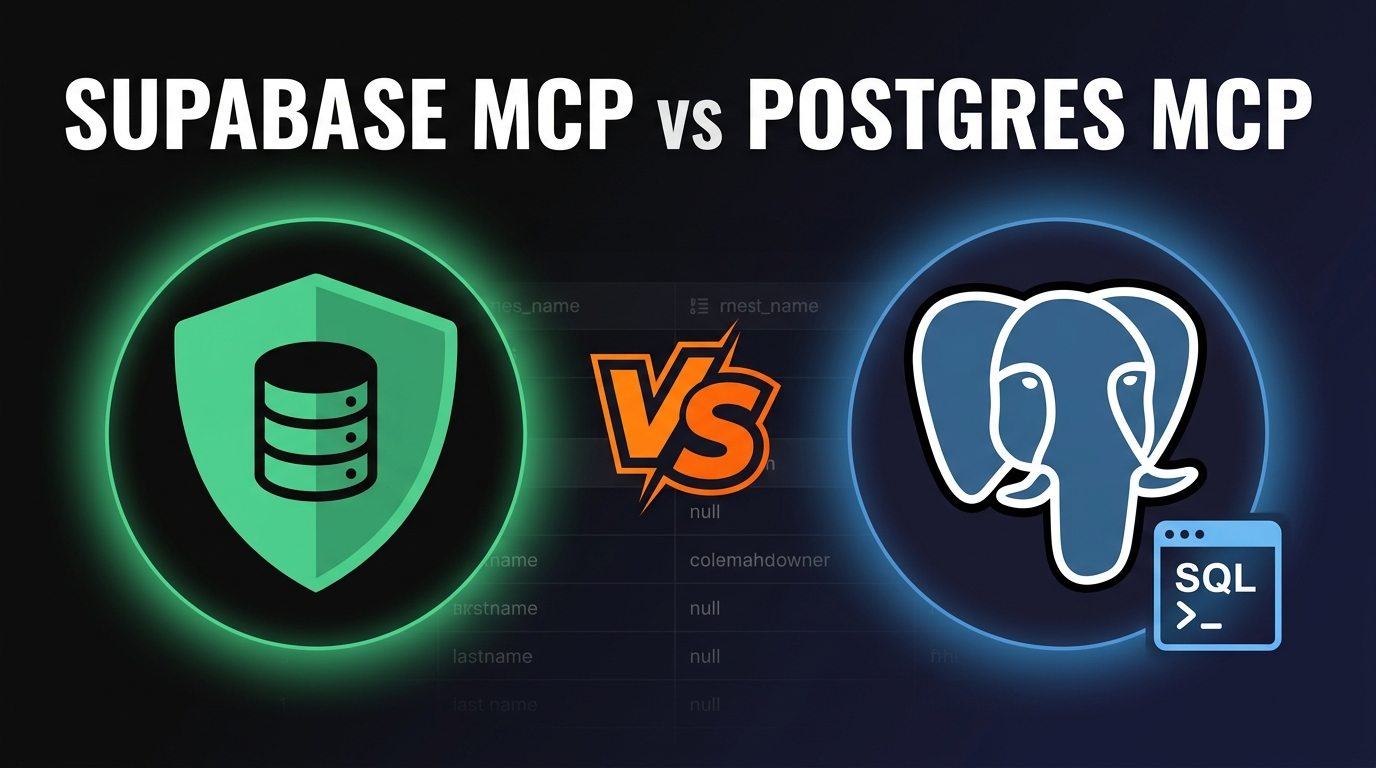
Introduction: Two Database MCPs, Two Different Philosophies
If you're building with Model Context Protocol (MCP), connecting your AI assistant to a database is one of the first things you'll want to do. But which database MCP server should you pick?
We spent two weeks testing both the Supabase MCP server and Postgres MCP Pro (by CrystalDBA) across real projects — running queries, tuning indexes, deploying edge functions, and monitoring database health. The results surprised us.
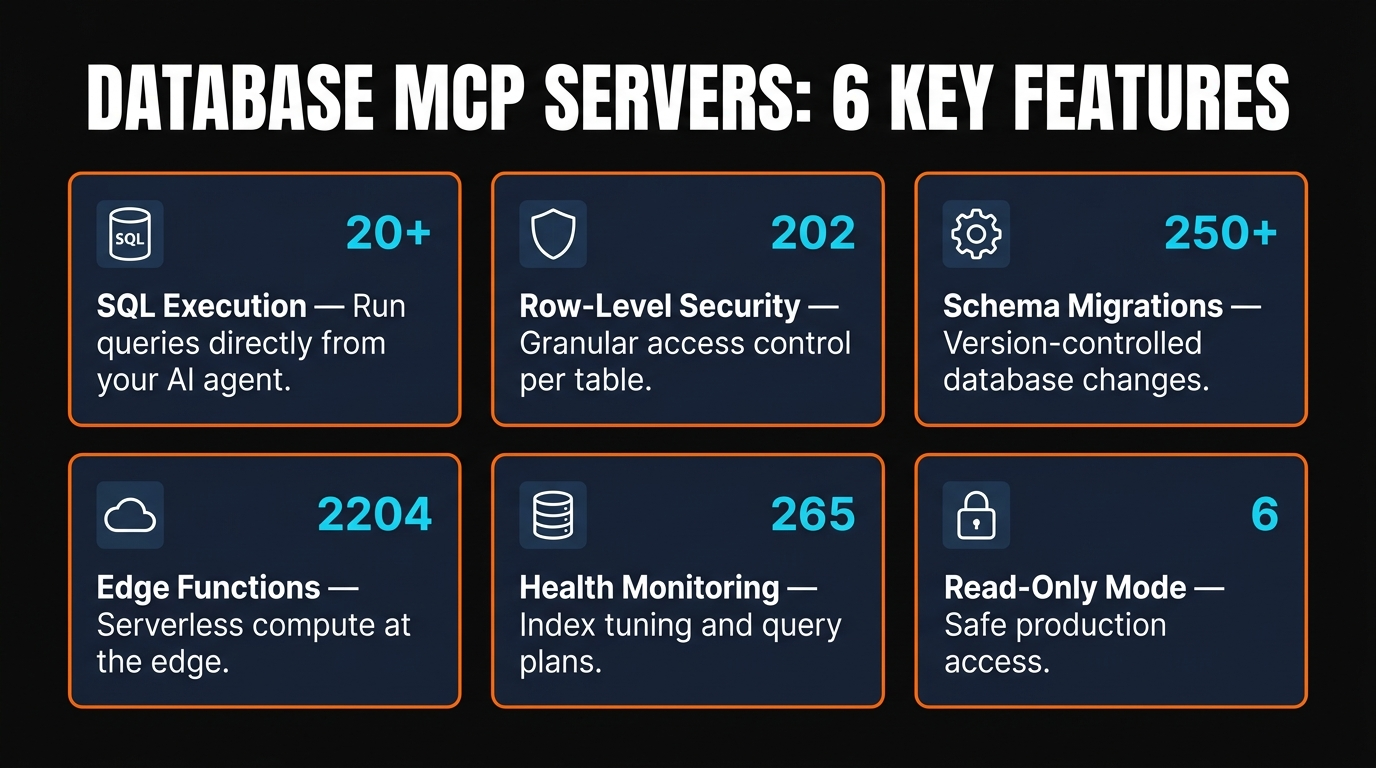
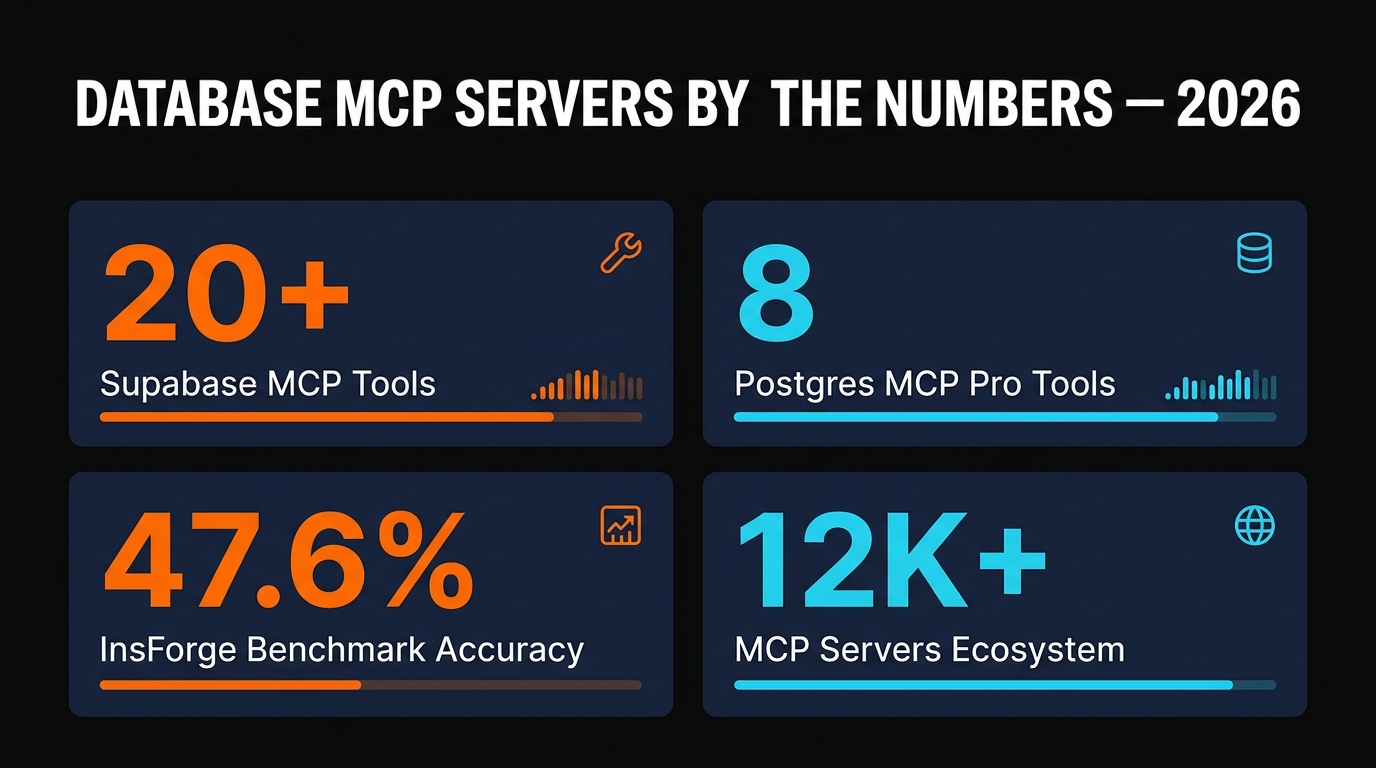
These are not interchangeable tools. Supabase MCP is a full-stack platform manager with 20+ tools spanning eight feature groups. Postgres MCP Pro is a focused DBA companion with 8 tools that go deep on query optimization and database health. Choosing between them depends on what you actually need — and in many cases, the best answer is to run both.
This comparison covers every tool, benchmark score, setup step, and real-world scenario we encountered. No fluff, no affiliate incentives. Just two database MCP servers tested head-to-head.
What Is Supabase MCP?
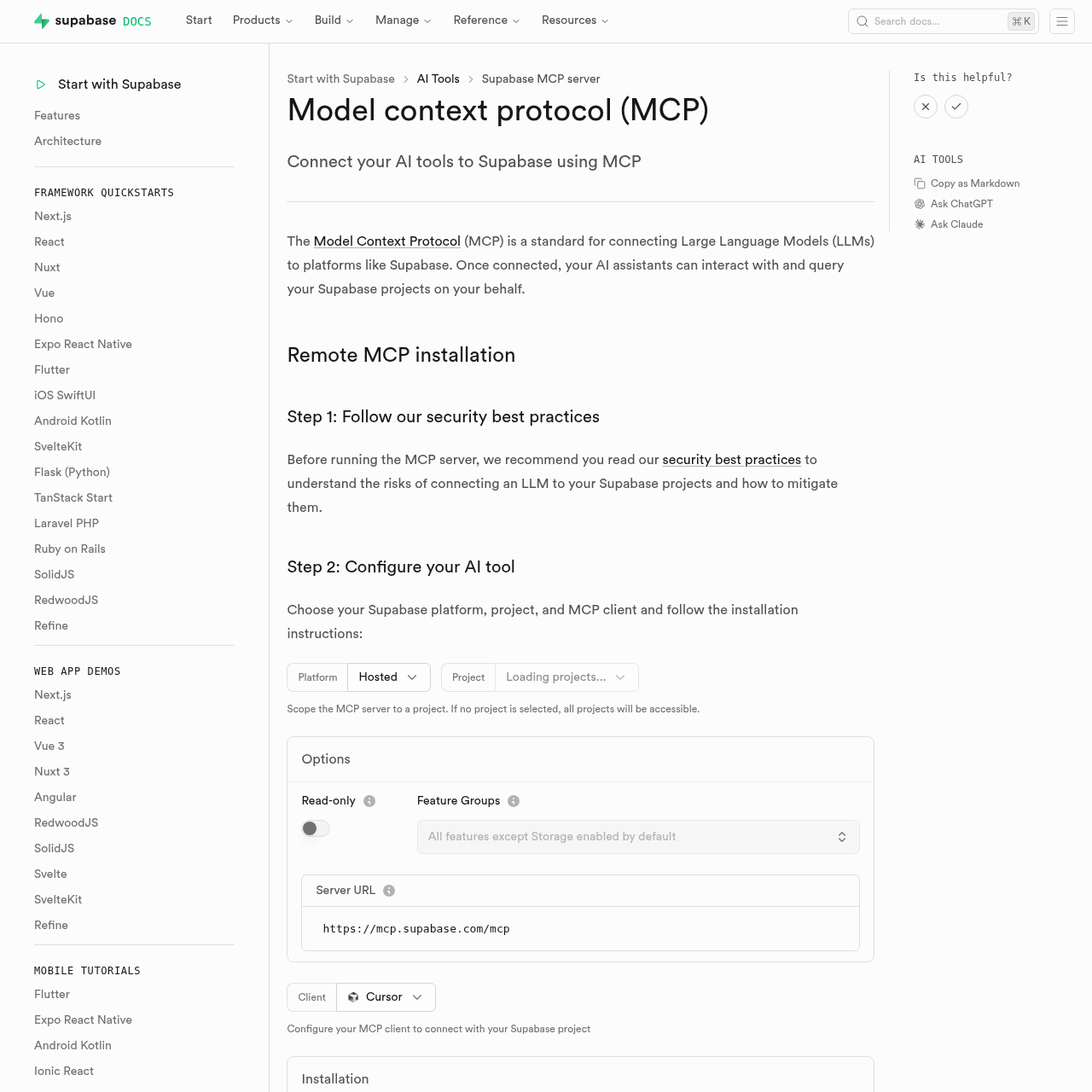
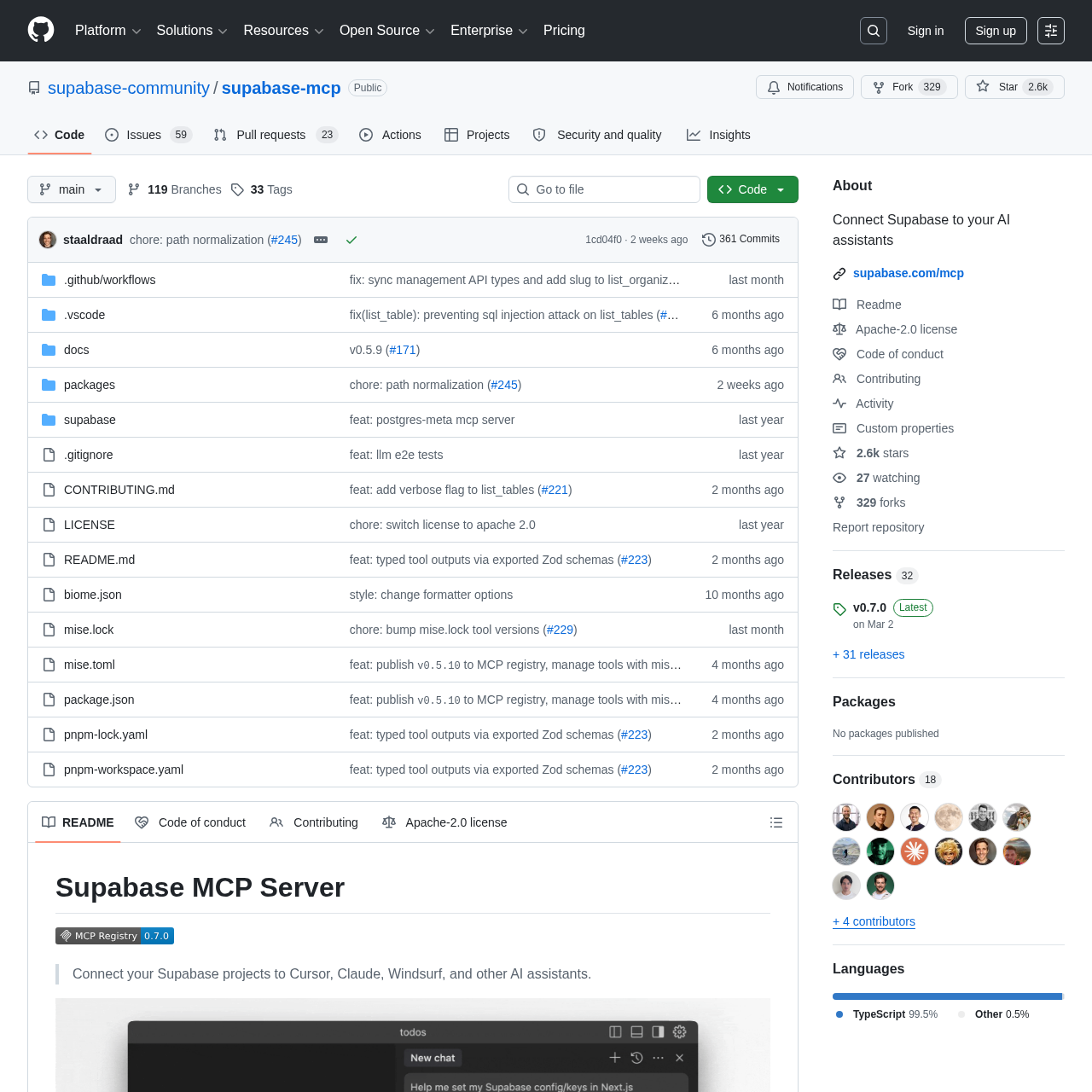
Supabase MCP is the official MCP server maintained by the Supabase team. It connects your AI assistant to the entire Supabase platform — not just the database, but edge functions, storage buckets, project branching, logs, and account management.
The remote MCP URL is straightforward: https://mcp.supabase.com. No local server to install. Connect it to Claude Desktop, Cursor, Windsurf, or VS Code Copilot and you're managing your entire Supabase project from your AI chat window.
20+ Tools Across 8 Feature Groups
This is where Supabase MCP separates itself. The tools are organized into eight distinct feature groups:
- Database: execute_sql, list_tables, list_extensions, list_migrations, apply_migration
- Debugging: get_logs, get_advisors
- Development: get_project_url, get_publishable_keys, generate_typescript_types
- Edge Functions: list_edge_functions, deploy_edge_function
- Account: list_projects, create_project, pause_project
- Docs: search_docs
- Branching: create_branch
- Storage: list_storage_buckets
You can restrict which feature groups your AI assistant has access to using the ?features=database,docs query parameter. This is a smart security move — you probably don't want your AI casually pausing projects.
Authentication
Supabase MCP supports two auth methods: OAuth with dynamic client registration (the recommended approach) or a Personal Access Token. OAuth is smoother for teams; PAT is faster for solo developers.
There's also an optional read-only mode via ?read_only=true, but note the word optional. Unlike Postgres MCP Pro, write access is the default.
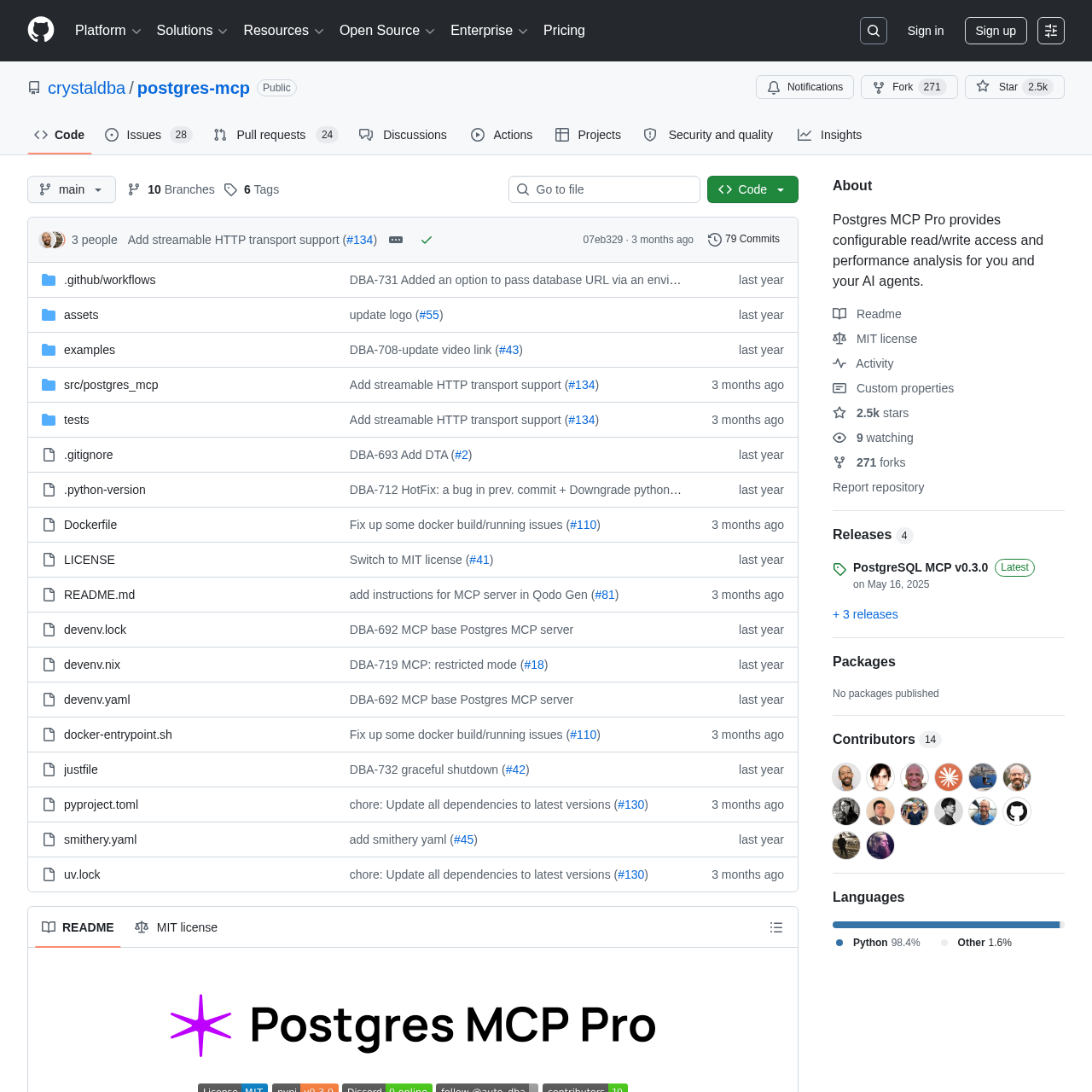
What Is Postgres MCP Pro?
Postgres MCP Pro, maintained by CrystalDBA, takes a fundamentally different approach. Instead of managing an entire platform, it focuses on doing one thing extremely well: making your Postgres database faster and healthier.
The open-source project (crystaldba/postgres-mcp) connects to any PostgreSQL database — self-hosted, AWS RDS, Neon, Supabase, or anything else that speaks Postgres wire protocol. You're not locked into any platform.
8 Tools, Laser-Focused
Postgres MCP Pro ships with 8 tools:
- list_schemas — enumerate database schemas
- list_objects — tables, views, sequences within a schema
- get_object_details — columns, types, constraints for any object
- execute_sql — run queries (read-only by default)
- explain_query — EXPLAIN plans with hypothetical index simulation
- analyze_workload_indexes — cross-workload index recommendations
- analyze_query_indexes — per-query index tuning via HypoPG
- analyze_db_health — comprehensive database health check
Fewer tools, but each one does more. The analyze_db_health tool alone covers buffer cache hit ratios, connection usage, constraint validation, duplicate indexes, unused indexes, invalid indexes, sequence health, and vacuum status. That's a full DBA audit in a single tool call.
HypoPG Index Tuning
This is Postgres MCP Pro's standout feature. It uses HypoPG to create hypothetical indexes — indexes that exist only in the planner, not on disk. Your AI assistant can test whether a proposed index would actually improve a query's execution plan without touching production data. We found this invaluable for optimizing slow queries on staging environments before applying changes to production.
Safe by Default
Postgres MCP Pro runs in read-only mode by default. This matters for production databases. You connect it, explore schemas, analyze query plans, and get index recommendations — all without risking accidental writes. Write access must be explicitly enabled.
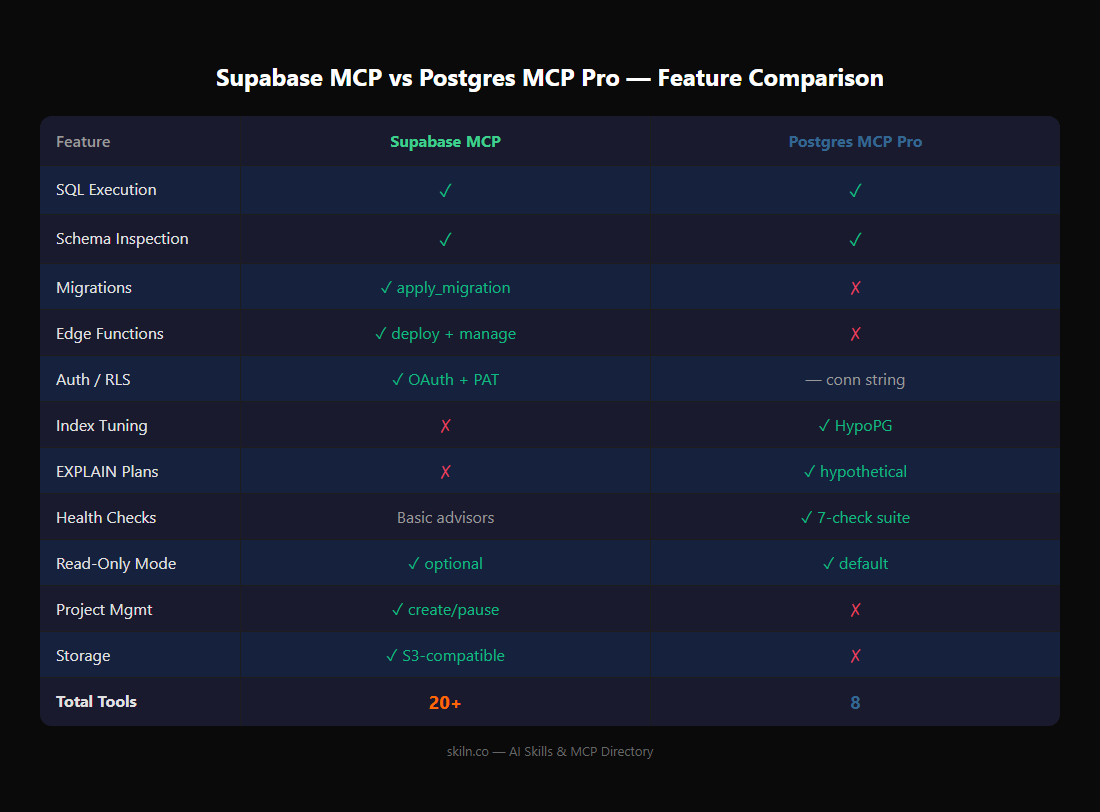
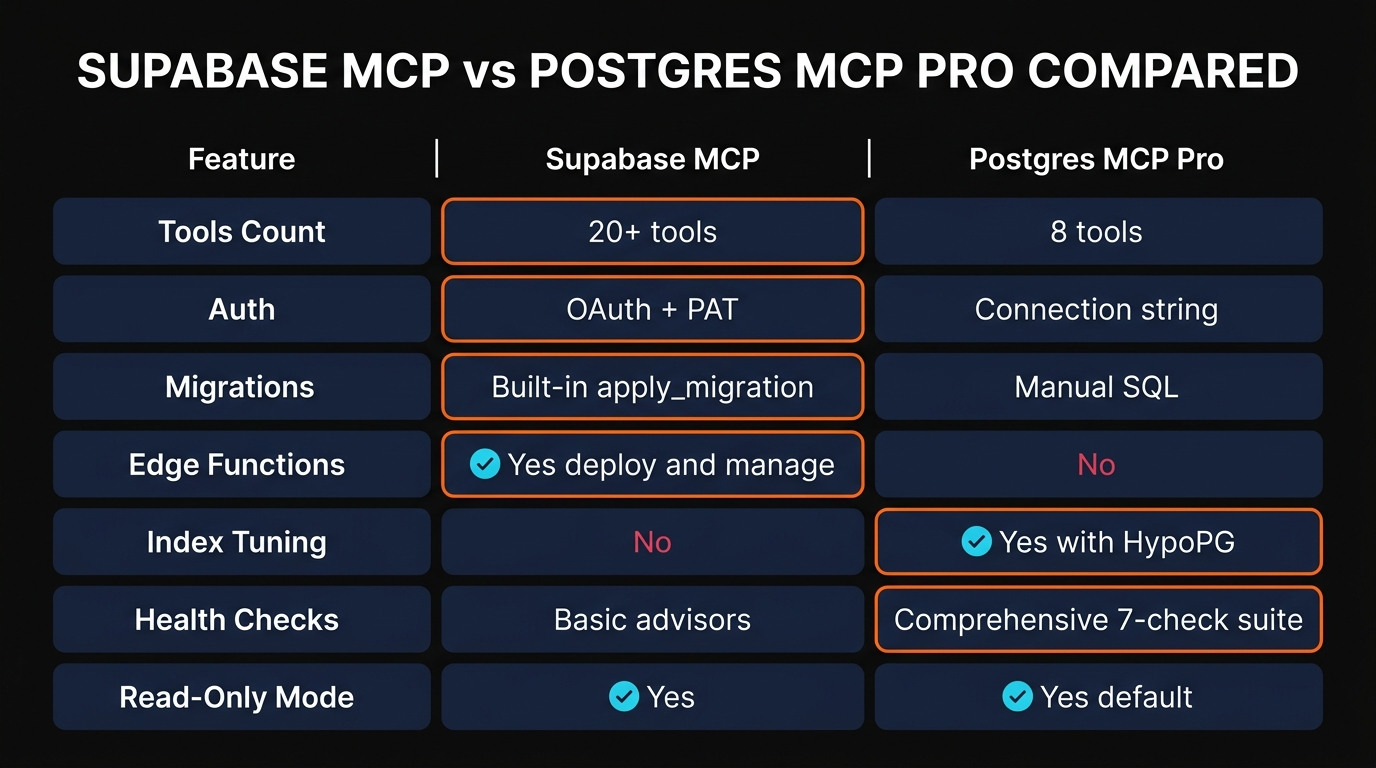
Feature-by-Feature Comparison
Here's the side-by-side breakdown. We tested every tool listed below in real projects.
Benchmark Results: InsForge Pass⁴
Numbers tell a clear story here. On the InsForge Pass⁴ benchmark — which measures SQL accuracy through a standardized set of database tasks — Postgres MCP Pro scored 38.1% compared to Supabase MCP's 28.6%.
That's a 33% relative improvement in raw SQL accuracy. Why the gap? We think it comes down to specialization. Postgres MCP Pro's 8 tools are all tuned for database operations. Its schema introspection is more detailed, its EXPLAIN plan analysis is more nuanced, and its index recommendations are backed by HypoPG simulation rather than guesswork.
Supabase MCP spreads its capabilities across 8 feature groups. It's managing edge functions, storage buckets, and project branching alongside SQL execution. That breadth is powerful, but it means each individual capability gets less specialized attention.
Our take: If SQL accuracy is your primary concern — especially for complex queries, optimization, and analysis — Postgres MCP Pro is the clear winner. If you need broad platform management beyond just SQL, Supabase MCP's 28.6% is still functional for most everyday queries.
Setup & Configuration
Both servers integrate with all major MCP clients. Here's how to configure each one.
Supabase MCP Configuration
Supabase MCP uses a remote URL — no local server installation required. Add this to your MCP client config:
{ "mcpServers": { "supabase": { "url": "https://mcp.supabase.com/sse" } } }
For read-only mode with restricted feature groups:
{ "mcpServers": { "supabase": { "url": "https://mcp.supabase.com/sse?read_only=true&features=database,docs" } } }
OAuth handles authentication automatically on first connection. If you prefer a Personal Access Token, you'll pass it as a header in your client configuration.
Postgres MCP Pro Configuration
Postgres MCP Pro runs as a local server and connects via a standard PostgreSQL connection string:
{ "mcpServers": { "postgres": { "command": "uvx", "args": [ "postgres-mcp", "postgresql://user:password@localhost:5432/mydb" ] } } }
That's it. No OAuth flow, no API keys, no feature flags. Connect to any Postgres database with a connection string. It ships in read-only mode by default — you'll need to explicitly enable writes if needed.
For connecting to a Supabase-hosted database via Postgres MCP Pro (yes, you can do this):
{ "mcpServers": { "postgres-pro": { "command": "uvx", "args": [ "postgres-mcp", "postgresql://postgres.[ref]:[password]@aws-0-[region].pooler.supabase.com:6543/postgres" ] } } }
This is the "use both together" pattern we'll cover in Section 9. For more on MCP security considerations, see our MCP security best practices guide.
When to Use Supabase MCP
Supabase MCP is the right choice when you need your AI assistant to manage the entire Supabase platform, not just the database.
Best For:
- Rapid prototyping — Create projects, set up tables, deploy edge functions, and configure storage all from a single chat conversation. We built a complete API prototype in under 30 minutes using Supabase MCP with Claude.
- Full-stack Supabase management — Migrations, edge function deployments, database branching, and log analysis without leaving your editor.
- Team workflows — OAuth support makes it easy to onboard multiple developers. Feature group restrictions let you give junior devs database-only access while seniors get full control.
- TypeScript projects — The generate_typescript_types tool saves real time. Ask your AI to generate types from your current schema and they're immediately usable in your codebase.
- Documentation lookup — The search_docs tool lets your AI reference Supabase documentation mid-conversation. No more tab-switching.
Not Ideal For:
- Production query optimization (use Postgres MCP Pro instead)
- Non-Supabase Postgres databases (it only connects to Supabase projects)
- Deep DBA-level health monitoring
When to Use Postgres MCP Pro
Postgres MCP Pro wins when the database itself is what you're focused on — performance, health, and optimization.
Best For:
- Production optimization — HypoPG-backed index recommendations tell you exactly which indexes will improve specific queries, with before/after EXPLAIN plans to prove it.
- Health monitoring — The analyze_db_health tool checks buffer cache hit ratios, connection usage, constraint validation, duplicate indexes, unused indexes, invalid indexes, sequence health, and vacuum status. We ran it against a production database and found 3 unused indexes and a sequence nearing exhaustion that we'd missed.
- Multi-cloud Postgres — Connect to any PostgreSQL database: self-hosted, AWS RDS, Google Cloud SQL, Neon, Supabase, Railway, or anywhere else. One MCP server, any Postgres.
- Safe production exploration — Read-only by default means you can point it at production and explore schemas, run EXPLAIN plans, and get health checks without any risk of accidental writes.
- Workload analysis — The analyze_workload_indexes tool looks at your overall query patterns and recommends indexes that benefit the entire workload, not just individual queries.
Not Ideal For:
- Managing edge functions, storage, or other BaaS features
- Project-level operations (create/pause projects, branching)
- Teams that want write-first workflows
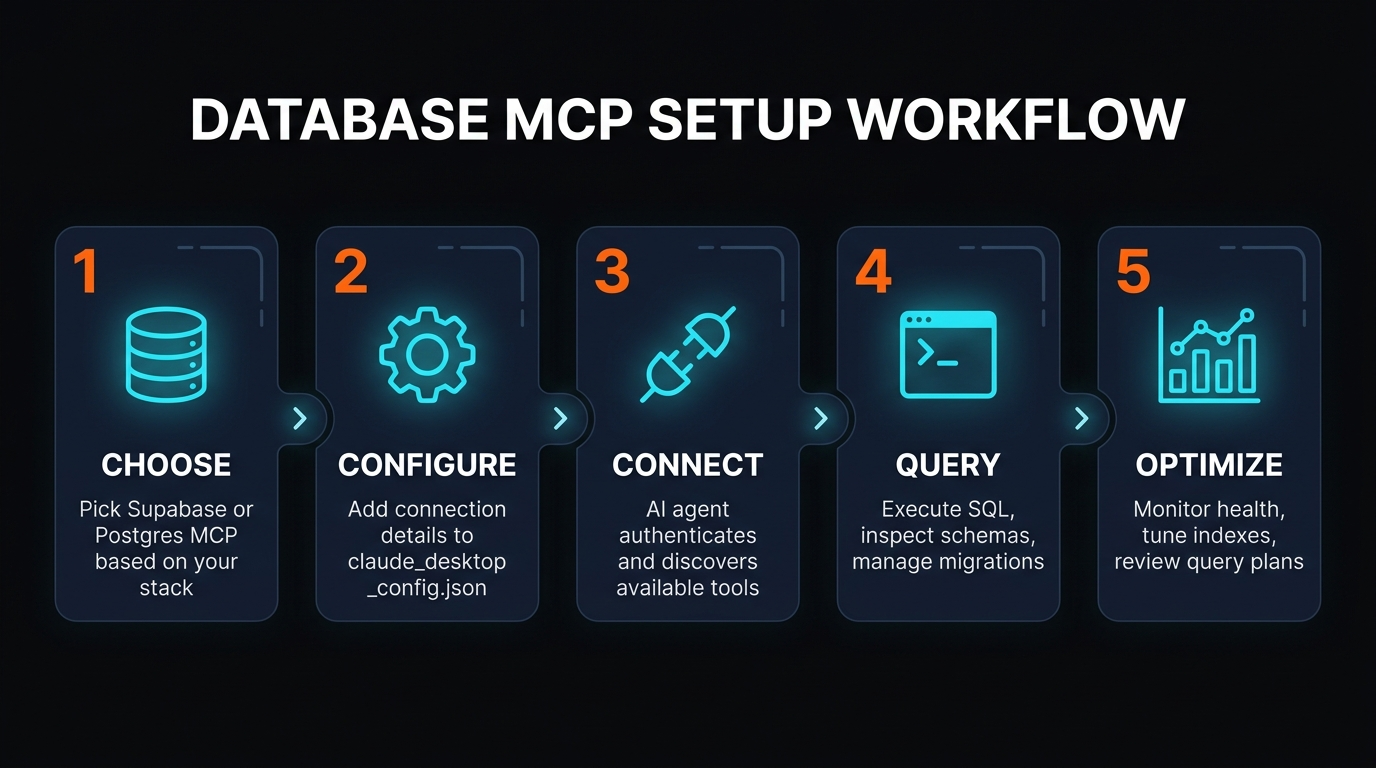
Using Both Together: The Power Combo
Here's what we actually recommend for serious Supabase projects: run both MCP servers simultaneously.
This isn't a cop-out answer. The two servers have zero overlap in their strengths. Supabase MCP handles project management, migrations, edge functions, storage, and branching. Postgres MCP Pro handles query optimization, index tuning, and health monitoring. Together, they cover the entire database lifecycle.
Here's a combined configuration:
{ "mcpServers": { "supabase": { "url": "https://mcp.supabase.com/sse?features=database,edge_functions,docs,branching" }, "postgres-pro": { "command": "uvx", "args": [ "postgres-mcp", "postgresql://postgres.[ref]:[password]@aws-0-[region].pooler.supabase.com:6543/postgres" ] } } }
A Real-World Workflow
Here's how we use both in practice:
- Develop: Use Supabase MCP to create a new branch, apply migrations, and deploy edge functions.
- Optimize: Use Postgres MCP Pro to analyze the new queries, check EXPLAIN plans, and get index recommendations via HypoPG.
- Monitor: Use Postgres MCP Pro's health checks on staging and production to catch issues before users do.
- Ship: Use Supabase MCP to merge the branch and deploy.
This workflow gives you the best of both worlds: Supabase's platform management speed and Postgres MCP Pro's database expertise. Browse our full MCP server directory to find other servers that complement this setup.
Frequently Asked Questions
❓ Can Supabase MCP run raw SQL queries?
Yes. The execute_sql tool supports full SQL including SELECT, INSERT, UPDATE, DELETE, and DDL statements. Write access is enabled by default unless you add the ?read_only=true parameter.
❓ Is Postgres MCP Pro read-only by default?
Yes. Postgres MCP Pro ships in read-only mode to protect production databases. You can explore schemas, run EXPLAIN plans, and get health checks without any risk. Write access must be explicitly enabled through configuration.
❓ Which database MCP is better for production?
It depends on what "better" means. Postgres MCP Pro is better for production optimization — index tuning, query analysis, and health monitoring. Supabase MCP is better for production management — migrations, deployments, and project operations. For the most complete production workflow, use both.
❓ Does Supabase MCP support Row-Level Security?
Yes. You can create, modify, and manage RLS policies through the execute_sql tool. Combined with the auth and project management tools, Supabase MCP gives you full control over your security model.
❓ Can I use both database MCPs together?
Yes, and we recommend it for serious projects. Use Supabase MCP for platform management (migrations, edge functions, branching) and Postgres MCP Pro for database optimization (index tuning, health monitoring, query analysis). They complement each other perfectly.
❓ Which MCP has more tools?
Supabase MCP has 20+ tools across 8 feature groups. Postgres MCP Pro has 8 tools focused entirely on database operations. More tools doesn't mean better — Postgres MCP Pro's tools go significantly deeper on performance analysis and optimization, which is reflected in its higher InsForge Pass⁴ benchmark score (38.1% vs 28.6%).
❓ Do database MCPs work with Cursor?
Yes. Both Supabase MCP and Postgres MCP Pro work with Claude Desktop, Cursor, Windsurf, and VS Code Copilot. The configuration is slightly different per client (JSON config file location varies), but both follow the standard MCP protocol and are compatible with any compliant client.
Final Verdict
After two weeks of testing, here's our honest assessment:
Choose Supabase MCP if:
- You're building on the Supabase platform
- You need to manage edge functions, storage, and branching alongside your database
- Rapid prototyping is your priority
- You want a single MCP server for your entire backend
Choose Postgres MCP Pro if:
- You need production-grade query optimization and index tuning
- You want a safe, read-only-by-default connection to production
- You use any Postgres provider (not just Supabase)
- SQL accuracy matters — 38.1% vs 28.6% on InsForge Pass⁴
Best answer: Use both.
Supabase MCP for building and managing. Postgres MCP Pro for optimizing and monitoring. Zero overlap, full coverage. That's the setup we use on our own projects, and it's the one we recommend.
For more on how MCP servers work together, read our complete MCP guide or browse the AI skills directory for tools that pair well with database MCPs.
Explore Database MCP Servers
Browse our full directory of MCP servers — database, search, deployment, and more. Find the right tools for your AI-powered workflow.
Browse MCP Servers on Skiln