MCP Server Starter Pack Review: 30 Pre-Configured Servers
Honest review of the MCP Server Starter Pack from Skiln. 30 pre-configured MCP servers, connection guides, and integration patterns. Tested for two weeks. Our verdict.

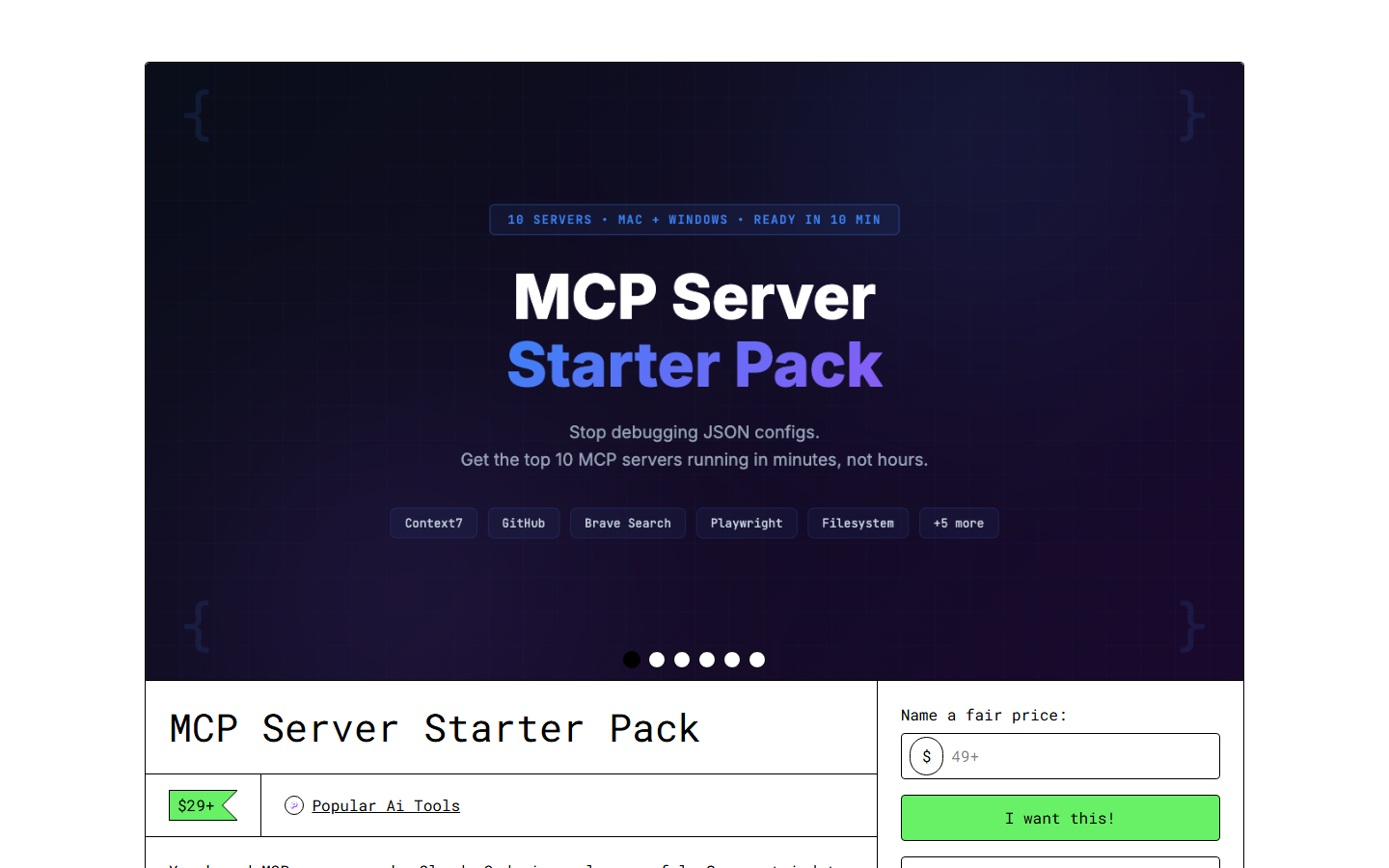
MCP Server Starter Pack Review: 30 Pre-Configured Servers
TL;DR
Rating: 4.5/5 — The MCP Server Starter Pack from Skiln delivers exactly what it promises: 30 MCP servers, pre-configured and tested, with setup guides that actually work. It eliminates the most painful part of MCP adoption — the hours spent debugging connection issues, figuring out environment variables, and discovering which servers play well together. At $79, it is a no-brainer for anyone who has wasted a Saturday afternoon trying to get an MCP server to connect. Docked half a point for some configurations that need updating and the lack of a maintenance plan.
Who it is for: Developers and power users setting up Claude Code, Cursor, or any MCP-compatible client with multiple server connections. Who should skip it: Users who only need 1-2 MCP servers (just follow the server's own docs).
View the MCP Server Starter Pack
Why This Product Exists
Let me tell you about my worst MCP experience. Last year I tried to set up 8 MCP servers for a new project. GitHub, Supabase, Playwright, Filesystem, Fetch, Memory, Slack, and Linear. The documentation for each server exists, but it is scattered across GitHub READMEs, blog posts, and Discord threads.
It took me 6 hours. Six hours of environment variable confusion, port conflicts, authentication flows that were not documented, and cryptic error messages. And I am a DevOps engineer. If it took me 6 hours, it takes most developers an entire weekend — or they give up.
The MCP Server Starter Pack solves this problem through thoroughness. Every server configuration has been tested on all three platforms (macOS, Windows, Linux), with common issues pre-documented and solutions provided. That is the value proposition: you are buying someone else's debugging time.
What Is Included
The 30 Servers
Organized by category:
Core Development (8 servers)
| Server | What It Does | Auth Required | Free/Paid |
|---|---|---|---|
| -------- | ------------- | --------------- | ----------- |
| GitHub | Repo management, PRs, issues, code search | GitHub PAT | Free |
| Filesystem | Read/write files, directory operations | None | Free |
| Git | Direct git operations (commit, branch, diff) | None | Free |
| Playwright | Browser automation, screenshots, testing | None | Free |
| Fetch | HTTP requests, API calls, web scraping | None | Free |
| Sequential Thinking | Multi-step reasoning, complex problem decomposition | None | Free |
| Memory | Persistent context across sessions | None | Free |
| Puppeteer | Headless browser automation (Chrome) | None | Free |
Database and Backend (6 servers)
| Server | What It Does | Auth Required | Free/Paid |
|---|---|---|---|
| -------- | ------------- | --------------- | ----------- |
| Supabase | PostgreSQL, auth, storage, realtime | Supabase key | Freemium |
| Postgres | Direct PostgreSQL access | Connection string | Depends |
| Redis | Caching, queues, pub/sub | Redis URL | Depends |
| SQLite | Local database operations | None | Free |
| Firebase | Firestore, auth, cloud functions | Firebase config | Freemium |
| MongoDB | Document database operations | Connection string | Freemium |
Content and Communication (6 servers)
| Server | What It Does | Auth Required | Free/Paid |
|---|---|---|---|
| -------- | ------------- | --------------- | ----------- |
| Slack | Channel messages, DMs, reactions | Slack bot token | Freemium |
| Notion | Pages, databases, blocks | Notion API key | Freemium |
| Google Drive | File access, search, collaboration | OAuth | Freemium |
| Google Calendar | Events, scheduling, availability | OAuth | Freemium |
| Resend | Transactional email sending | API key | Freemium |
| Twilio | SMS, voice, WhatsApp messaging | Account SID | Paid |
DevOps and Infrastructure (6 servers)
| Server | What It Does | Auth Required | Free/Paid |
|---|---|---|---|
| -------- | ------------- | --------------- | ----------- |
| Docker | Container management, builds, deployments | Docker socket | Free |
| AWS | S3, Lambda, EC2, CloudFormation | AWS credentials | Paid |
| Vercel | Deployments, domains, environment variables | Vercel token | Freemium |
| Cloudflare | DNS, Workers, R2, KV | API token | Freemium |
| Sentry | Error tracking, performance monitoring | API key | Freemium |
| Linear | Project tracking, issues, sprints | API key | Freemium |
Data and Analytics (4 servers)
| Server | What It Does | Auth Required | Free/Paid |
|---|---|---|---|
| -------- | ------------- | --------------- | ----------- |
| Brave Search | Web search with API | API key | Freemium |
| Exa | AI-powered web search and content extraction | API key | Paid |
| Google Sheets | Spreadsheet read/write | OAuth | Freemium |
| Airtable | Database-spreadsheet hybrid | API key | Freemium |
What You Get Per Server
Each server configuration includes:
- Connection config — The exact JSON to paste into your
claude_desktop_config.jsonorsettings.json - Environment template —
.env.examplewith every required variable documented - Platform-specific setup — macOS, Windows, and Linux instructions where they differ
- Testing checklist — 3-5 commands to verify the server is working correctly
- Common use cases — 5-10 real-world operations with example prompts
- Troubleshooting — The 5 most common errors and their solutions
- Integration patterns — How this server works with other servers in the pack
The Integration Guide
This is the secret weapon. It is a standalone document that maps out how servers work together:
- Full-stack development — GitHub + Filesystem + Supabase + Playwright + Vercel
- Content operations — Notion + Google Drive + Fetch + Resend
- Data pipeline — Postgres + Redis + Google Sheets + Brave Search
- DevOps workflow — Docker + AWS + Sentry + Linear + Slack
- Client project — GitHub + Linear + Slack + Notion + Vercel
Each pattern includes the combined configuration, a walkthrough of a typical workflow, and tips for avoiding conflicts between servers.
Two Weeks of Real Usage
I replaced my hand-configured MCP setup with the Starter Pack and tracked the differences.
Setup: Night and Day
My old setup took 6 hours across 8 servers. Setting up the same 8 servers from the Starter Pack took 47 minutes. The difference is not magic — it is that every environment variable is documented, every authentication flow is walked through step by step, and every platform-specific gotcha is called out before you hit it.
The Windows-specific notes saved me the most time. MCP documentation is overwhelmingly macOS-focused, and Windows users constantly hit path issues, permission problems, and node/npx differences that are not documented. The Starter Pack handles all of this.
The Troubleshooting Guides Are Gold
Three times during my testing period, an MCP server stopped working after an update. All three times, the Starter Pack's troubleshooting section for that server covered the exact issue. The Supabase MCP server changed its authentication method in a minor update — the troubleshooting guide had a section called "Auth errors after v2.x update" that explained the fix in two sentences.
Without those guides, I would have spent 30-60 minutes per incident searching GitHub issues and Discord. The guides saved me roughly 2 hours total in two weeks.
Integration Patterns Changed My Workflow
I had been using MCP servers individually — GitHub for code, Supabase for data, Playwright for testing. The Starter Pack's integration patterns showed me how to chain them. My new workflow for feature development:
- Claude creates a branch (GitHub MCP)
- Implements the feature (Filesystem MCP)
- Writes and runs tests (Playwright MCP for e2e, built-in for unit)
- Creates a PR with description (GitHub MCP)
- Runs database migrations if needed (Supabase MCP)
- Deploys preview (Vercel MCP)
- Posts update to the project channel (Slack MCP)
Each step is a single Claude Code command. The integration pattern document showed me how to configure all seven servers to work together without conflicts, and provided the workflow prompt that chains them.
This workflow existed theoretically before. The Starter Pack made it practical by solving the configuration puzzle.
The Servers I Use Most
After two weeks, my daily drivers are:
- GitHub — Every session. PRs, code review, issue management.
- Filesystem — Every session. It is the backbone.
- Playwright — 4-5 times per week. Screenshots, testing, web scraping.
- Supabase — 3-4 times per week. Database operations, auth.
- Slack — Daily. Status updates, notifications.
- Fetch — 2-3 times per week. API testing, data fetching.
- Memory — Every session. Context persistence.
The other 23 servers sit ready for when I need them. That is the advantage of a pre-configured pack — zero-cost optionality. When I need to debug a Docker issue or check Sentry errors, the server is already configured and tested.
What I Would Improve
Some Configs Are Already Dated
The AWS MCP server configuration references an older authentication method. It still works, but the recommended approach has changed. Two other servers (Puppeteer and Firebase) have had minor API changes that require config tweaks not covered in the current version of the pack.
This is the inherent challenge of a static product in a fast-moving ecosystem. The configs are all functional, but 3-4 of 30 need minor updates. Not a dealbreaker, but it matters.
No Auto-Update Mechanism
This is my biggest criticism — same as with the Power User Kit. When an MCP server changes, the Starter Pack does not notify you or provide updated configs. A quarterly update email with patches would solve this. A git-based delivery with git pull updates would be even better.
Missing Some Popular Servers
The pack covers 30 servers, but some notable omissions:
- Anthropic's own MCP servers — The official Claude documentation server and evaluation server are not included
- Stripe — Conspicuous absence given how many developers need payment integration
- OpenAI-compatible servers — No coverage of servers that bridge to other LLM providers
- Obsidian — Popular knowledge management tool with a solid MCP server
Thirty is a strong number, but 35-40 with these additions would feel comprehensive.
Pricing of Connected Services Unclear
The pack clearly marks which servers require paid service subscriptions, but it does not provide pricing guidance. When I am deciding whether to set up the AWS server or the Cloudflare server, knowing that Cloudflare's free tier covers 90% of typical use cases while AWS charges per-request would help. A simple pricing comparison for the connected services would be valuable.
The Competition
DIY from GitHub READMEs — Free but painful. Plan for 30-60 minutes per server, more on Windows. If you only need 2-3 servers, this is fine. Beyond that, the Starter Pack pays for itself in time saved.
Server-specific setup guides — Some servers (Playwright, GitHub) have excellent documentation. Others (many community servers) have minimal READMEs. The inconsistency is the problem — you never know if setup will take 5 minutes or 2 hours until you are in it.
Smithery.ai hosting — Smithery offers cloud-hosted MCP servers that eliminate local setup entirely. Different approach — you trade local control for zero-config convenience. Their Pro plan is $30/month, so the Starter Pack pays for itself vs. Smithery in under 3 months.
Claude Code Power User Kit — The Power User Kit includes 15 MCP configurations as part of its $149 package. If you need skills + MCP configs, the Power User Kit is better value. If you primarily need comprehensive MCP coverage, the Starter Pack has twice as many servers with deeper documentation.
Who Should Buy This
Definitely buy if:
- You plan to use 5+ MCP servers
- You have been frustrated by MCP setup before
- You work on Windows (the platform-specific notes alone are worth it)
- You want a reference library for future projects
- You value your time at more than $10/hour
Probably skip if:
- You only need 1-2 MCP servers (just use their docs)
- You are a macOS user who finds MCP setup easy
- You already have a working multi-server setup you are happy with
- You prefer cloud-hosted MCP (use Smithery instead)
Buy alongside the Power User Kit if:
- You want the complete Claude Code setup — skills, framework, and infrastructure
- You are setting up a team environment and want consistent configurations
- You are a consultant who sets up Claude Code for clients
The Verdict: 4.5/5
The MCP Server Starter Pack is the most practical product in the Skiln store for developers. It does not do anything you could not do yourself — but it does it in 47 minutes instead of 6 hours. The troubleshooting guides alone have saved me more than the $79 price tag in the two weeks I have been using it.
The dated configs and lack of updates prevent a higher score. MCP is evolving fast, and a static configuration pack needs a maintenance story. But as a snapshot of the current ecosystem — tested, documented, and ready to deploy — it is excellent.
If you are serious about MCP and use more than a handful of servers, this is the easiest productivity purchase you will make this year.
Get the MCP Server Starter Pack
Sarah Walker is the Developer Tools Editor at Skiln. She has tested every major MCP server and maintains the Skiln MCP compatibility database. Reach her at sarah@skiln.co.
Related reading: