Claude Code Power User Kit Review: 50+ Skills in One Pack
Hands-on review of the Claude Code Power User Kit from Skiln. 50+ pre-built skills, custom CLAUDE.md, MCP configs, and workflow automations. Is it worth $149? Our honest verdict.

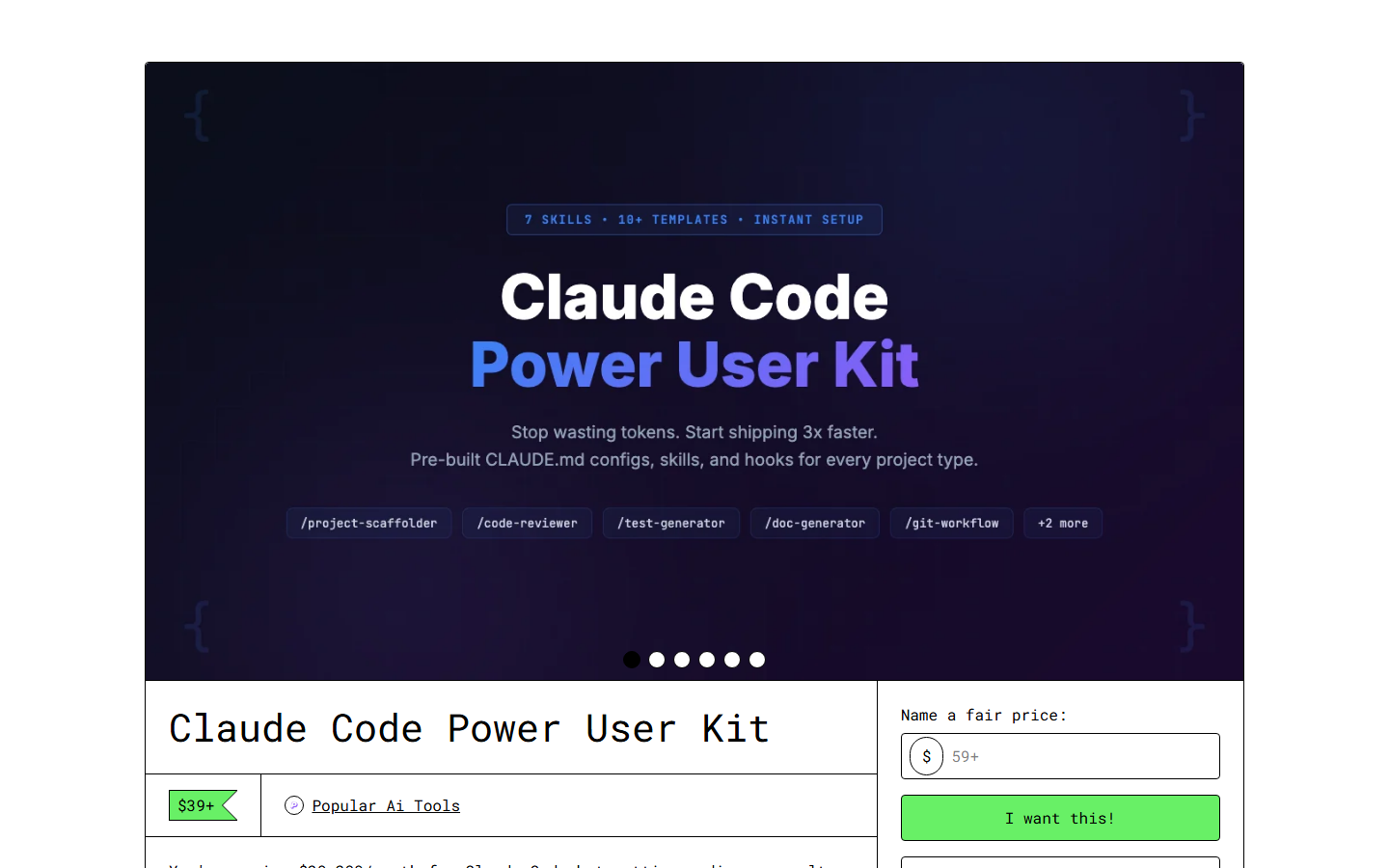
Claude Code Power User Kit Review: 50+ Skills in One Pack
TL;DR
Rating: 4.7/5 — The Claude Code Power User Kit from Skiln packs 50+ production-tested skills, a battle-hardened CLAUDE.md framework, MCP server configs, and multi-step workflow automations into a single $149 download. It is the most comprehensive Claude Code configuration package I have tested. The development skills are exceptional. The content skills are solid. A few niche skills feel like padding. Overall, if you use Claude Code daily, this saves you 40+ hours of configuration work and makes you measurably faster.
Who it is for: Developers, content professionals, and power users who rely on Claude Code as their primary tool. Who should skip it: Casual Claude Code users, or anyone who only needs industry-specific operations (get a business system instead).
What Is in the Box
I will start with the inventory because the product page is vague about specifics. Here is exactly what you get:
The CLAUDE.md Framework
This is the backbone of the kit. It is not just a CLAUDE.md file — it is a modular framework with:
- Base configuration — Coding standards, communication preferences, error handling rules, output formatting
- Project type templates — Pre-configured contexts for web apps, APIs, CLIs, content projects, data analysis, DevOps
- Skill registry — Automatic skill discovery and loading based on project type
- Memory management — Structured approach to maintaining context across long sessions
- Quality gates — Built-in review checkpoints that trigger before Claude commits code, publishes content, or executes destructive operations
I have been writing CLAUDE.md files since day one, and this framework is better than anything I have built myself. The modular approach is the key insight — instead of one massive file, you compose your configuration from reusable blocks. Starting a new Next.js project? Load the base config + web app template + relevant skills. Switching to a Python data project? Swap the template and skills, keep the base.
The Skills (50+)
Organized into five categories:
Development Skills (18)
- Code review with security focus
- Test generation (unit, integration, e2e)
- API design and documentation
- Database schema design
- Migration generation
- Refactoring with safety analysis
- Performance profiling and optimization
- Dependency audit
- Git workflow automation
- CI/CD pipeline generation
- Error handling patterns
- TypeScript type generation
- React component scaffolding
- Next.js route generation
- Python project scaffolding
- Docker configuration
- Environment setup validation
- Accessibility audit
Content and Writing Skills (10)
- SEO blog post generation
- Technical documentation
- API reference writing
- Changelog generation
- Release notes
- README scaffolding
- Email campaign drafting
- Social media content
- Product description optimization
- Copy editing and tone adjustment
Data and Analysis Skills (8)
- CSV/JSON data analysis
- SQL query generation and optimization
- Data visualization recommendations
- A/B test analysis
- Competitive analysis framework
- Market research summarization
- Financial modeling templates
- Report generation
DevOps and Deployment Skills (7)
- Infrastructure as code (Terraform/Pulumi)
- Monitoring and alerting setup
- Log analysis and pattern detection
- Security hardening checklist
- SSL/DNS configuration
- Backup strategy generation
- Incident response playbooks
Productivity and Workflow Skills (9)
- Meeting notes and action items
- Project planning and milestone tracking
- Decision documentation (ADR format)
- Onboarding documentation
- Process documentation
- Knowledge base article writing
- Sprint planning assistance
- Retrospective facilitation
- Stakeholder update drafting
MCP Server Configurations
Pre-configured setups for 15 MCP servers:
- Playwright (browser automation)
- GitHub (repo management)
- Supabase (database)
- Filesystem (file operations)
- Memory (persistent context)
- Fetch (HTTP requests)
- Sequential Thinking (complex reasoning)
- Slack (team communication)
- Linear (project management)
- Notion (documentation)
- Google Calendar (scheduling)
- Postgres (direct DB access)
- Redis (caching)
- S3 (file storage)
- Sentry (error tracking)
Each configuration includes the claude_desktop_config.json snippet, environment variable requirements, and a testing checklist to verify the connection works.
Workflow Automations
These chain multiple skills together for complex operations:
- New project bootstrap — Creates repo, sets up CI/CD, generates initial documentation, configures MCP servers
- Feature development — Branch creation, implementation, tests, code review, PR description, changelog update
- Content pipeline — Research, outline, draft, SEO optimization, image prompts, publishing prep
- Release workflow — Version bump, changelog, release notes, tag, deploy, monitoring check
- Audit workflow — Security scan, dependency check, accessibility audit, performance profile, report generation
What I Tested
I did not just read the files. I used the Power User Kit as my primary Claude Code configuration for two weeks across real projects. Here is what stood out.
The Development Skills Are Exceptional
The code review skill is the crown jewel. It does not just find bugs — it categorizes issues by severity (critical, warning, info), explains the reasoning behind each flag, and suggests specific fixes. It catches security issues that generic linters miss because it understands the application context.
I pointed it at a Next.js API route I had written, and it identified a race condition in my database writes that would have caused data corruption under concurrent requests. It explained the exact scenario, showed me the vulnerable code path, and provided a fix using optimistic locking. That single catch was worth the $149 by itself.
The test generation skill produces tests that actually test meaningful behavior, not just coverage padding. It identifies edge cases I would not think of and generates both happy path and failure mode tests. The tests compile and pass on first run about 85% of the time — the other 15% need minor adjustments, which is far better than writing from scratch.
The refactoring skill is thoughtful. It analyzes the code, identifies patterns that could be improved, and presents a ranked list with effort estimates and risk assessments. It will not suggest a refactor that breaks the public API unless you explicitly ask for it.
The Content Skills Are Solid
The SEO blog post skill produces well-structured content with proper heading hierarchy, keyword placement, and internal linking suggestions. It is not going to win any creative writing awards, but for informational content and how-to articles, it is reliably good.
The technical documentation skill impressed me. It generates docs that are accurate, well-organized, and actually useful. It includes the "why" alongside the "how," which is where most auto-generated docs fail.
The changelog generation skill reads your git history and produces human-readable changelogs organized by category (features, fixes, breaking changes). It is smart enough to group related commits and write meaningful descriptions instead of just regurgitating commit messages.
The CLAUDE.md Framework Changes Everything
This is the real value of the kit. The modular CLAUDE.md approach means I never start from zero on a new project. I select my base config, pick a project template, choose relevant skills, and I am productive in minutes instead of spending an hour configuring Claude.
The memory management section deserves special mention. It structures how Claude maintains context across sessions — what to remember, what to forget, how to handle context window limits. After two weeks of use, my Claude Code sessions feel noticeably more coherent and less repetitive.
The quality gates are the unsung hero. Before any destructive operation (git force push, database migration, production deploy), Claude stops and runs through a checklist. It has caught me twice from deploying untested changes. The gates are configurable — you can make them stricter for production work and more permissive for prototyping.
What Falls Short
Some Skills Feel Like Padding
The meeting notes skill and retrospective facilitation skill are functional but generic. They do not add much over what Claude does by default with a good prompt. I would rather have 45 excellent skills than 52 with a few mediocrities.
The financial modeling skill is too basic for anyone who actually does financial modeling, and too specialized for anyone who does not. It generates simple projection spreadsheets, not real financial models.
MCP Configurations Could Be Deeper
The 15 MCP server configs are helpful, but they are mostly just connection setup. I wanted more: workflow examples for each server, common pitfalls, performance tuning tips, and integration patterns between servers. The Playwright config, for example, tells you how to connect but does not cover the snapshot-vs-screenshot decision or how to handle authentication-protected pages.
No Update Mechanism
You buy version 1.0 and that is what you have. There is no changelog, no update notifications, no way to pull improvements. Given how fast the Claude Code ecosystem moves, this is a real gap. A quarterly update or a git repo with pull-based updates would be ideal.
Price Point Creates Expectations
At $149, this is significantly more expensive than the industry-specific business systems ($39-$99). That price creates an expectation of completeness that the kit mostly — but not entirely — meets. If this were $99, I would have zero complaints.
The Competition
There are not many direct competitors:
Free skills on Skiln/SkillsMP/SkillHub — You can piece together free skills from various directories. You will spend 10-20 hours curating, testing, and integrating them. If your time is worth less than $10/hour, go this route.
Building from scratch — If you enjoy the process of building your own skills and CLAUDE.md, you will learn more but spend 40-80 hours to reach the same level. Depends on whether you view configuration as learning or overhead.
ClawHub premium skills — Individual premium skills on ClawHub run $10-$50 each. Five quality skills would exceed the Power User Kit's price, and you would still lack the framework and integration.
The Power User Kit's real competitor is your own time. At $149, it needs to save you roughly 5-10 hours to break even (depending on your rate). It saved me significantly more than that in the first week.
Who Should Buy This
Definitely buy if:
- You use Claude Code 4+ hours daily
- You work across multiple project types (web, API, content, DevOps)
- You are tired of re-configuring Claude for every new project
- You want production-quality skills without building them yourself
- You value consistency across projects and team members
Probably skip if:
- You use Claude Code casually (a few times per week)
- You only need industry-specific operations (get a business system instead)
- You enjoy building your own tooling from scratch
- You are on a tight budget and can invest time instead of money
Consider alternatives if:
- You only need 5-10 specific skills (buy or find them individually)
- You are primarily a content creator, not a developer (the kit skews technical)
The Verdict: 4.7/5
The Claude Code Power User Kit is the best pre-built Claude Code configuration I have used. The development skills are genuinely excellent, the CLAUDE.md framework is a game-changer, and the workflow automations solve real problems. The few weak spots — some padding skills, basic MCP configs, no update mechanism — keep it from a perfect score, but they are minor gripes against a fundamentally solid product.
At $149, it is not an impulse buy. But if you rely on Claude Code professionally, the math is simple: this kit saves you far more time than it costs. And unlike SaaS tools, you own the files forever. No subscriptions, no lock-in, no "we are sunsetting this feature."
The Power User Kit joins the MCP Server Starter Pack as one of two essential Skiln purchases for serious Claude Code users. The Starter Pack handles your infrastructure. The Power User Kit handles your workflow. Together, they make Claude Code feel like a completely different tool.
Get the Claude Code Power User Kit
David Henderson is the DevOps and Security Editor at Skiln. He has been using Claude Code since its public launch and has tested over 200 skills and MCP servers. Reach him at david@skiln.co.
Related reading: