AWS Docs MCP Server Review 2026: Amazon Documentation for AI Agents
Hands-on AWS Docs MCP review for 2026. The free, fully-managed Model Context Protocol server that feeds live AWS documentation, region info and best practices straight into Claude, Cursor and any MCP-aware AI agent. Features, install, pros, cons, alternatives.
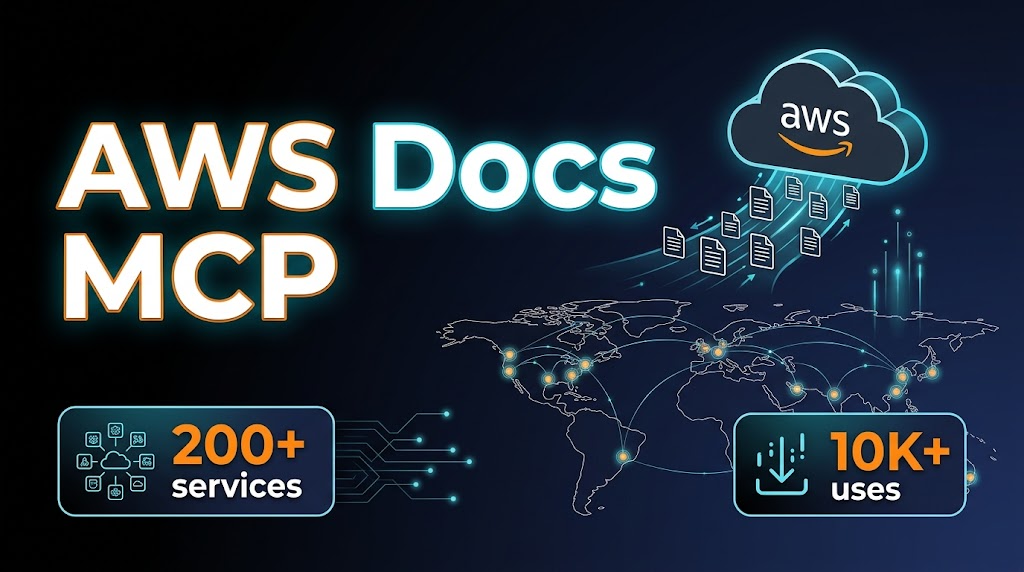
TL;DR — AWS Docs MCP Review 2026
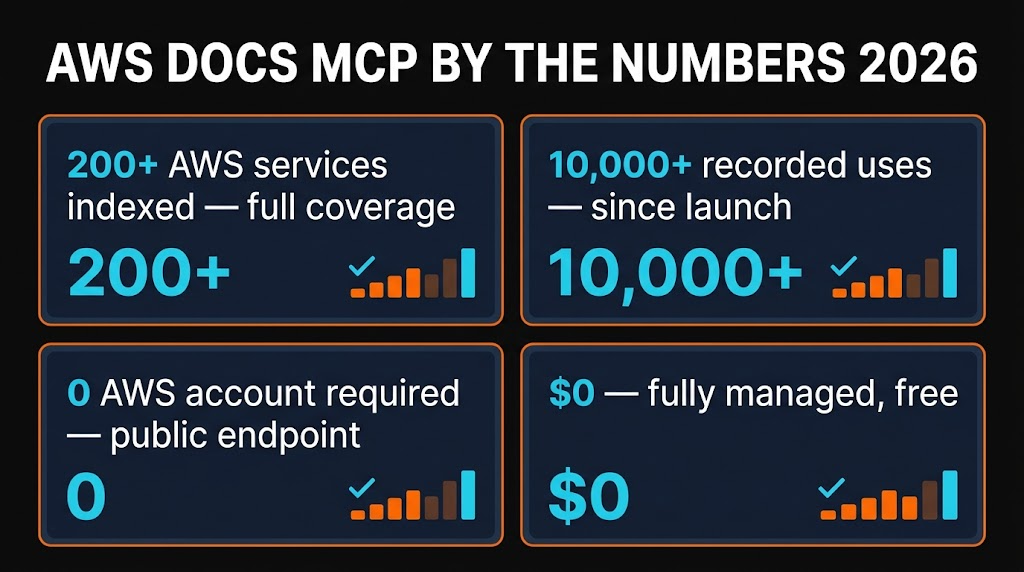
AWS Docs MCP is the managed Model Context Protocol server that finally gives AI agents accurate, live AWS documentation. If you build on Amazon Web Services, it stops Claude and Cursor from hallucinating IAM policies, invented CloudFormation resources and wrong region names. Free, no AWS account required, 200+ services covered, 10,000+ recorded uses. The single best upgrade a cloud developer can make to their MCP stack in 2026.
Table of Contents
What is AWS Docs MCP?
Anyone who has built on AWS with an AI coding assistant in 2026 has felt the pain. You ask Claude or Cursor to draft a CloudFormation template, and it confidently hands you a resource type that does not exist, an IAM action that was renamed two years ago, or a service that is not available in the region you actually run in. The model is guessing because its training data is months behind. AWS Docs MCP exists to kill that class of bug.
AWS Docs MCP — sometimes called the AWS Knowledge MCP Server — is a fully-managed Model Context Protocol server that exposes live Amazon Web Services documentation to any MCP-compatible AI agent. That includes Claude Code, Cursor, Windsurf, Cline and anything built on the MCP SDK. It pulls from AWS documentation, What's New posts, Getting Started guides, Well-Architected content, CloudFormation resource references, SDK API references and architectural blueprints — and returns only the relevant slice over a clean HTTP transport.
With 10,000+ recorded uses across the MCP ecosystem and coverage for every one of AWS's 200+ services, it is already the de-facto way to give agents real AWS knowledge. The community maintainer faresyoussef94/aws-knowledge-mcp mirrors the official endpoint with open-source wrappers for local testing.

Key Features
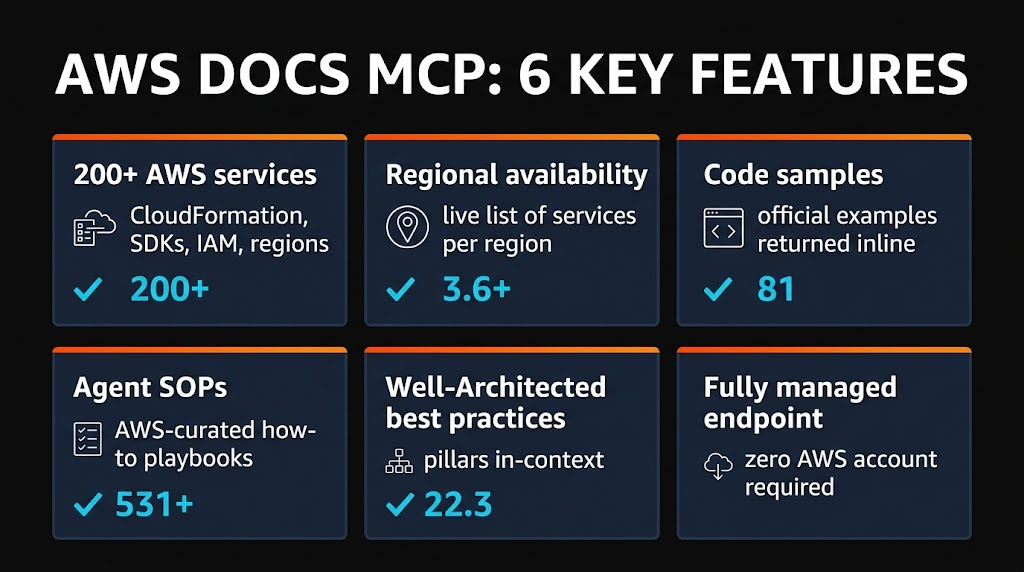
I have been running AWS Docs MCP inside Claude Code for several weeks on a real production AWS workload. Here is what actually ships and what matters once you start using it daily.
Search Documentation
Semantic search over the entire AWS documentation corpus. Your agent asks "how do I grant S3 bucket read access across accounts" and gets the exact doc page back with the relevant IAM policy snippet.
Service Lookup
Every one of the 200+ AWS services is indexed with SDK references, CloudFormation resources and CLI command details. No more guessing the right API name.
Regional Availability
The list_regions and get_regional_availability tools answer "is Bedrock available in eu-west-2?" in a single call. Huge for multi-region architects.
Best Practices & Agent SOPs
Pre-built Standard Operating Procedures for deployment, troubleshooting, security hardening and Well-Architected compliance. Your agent follows proven AWS patterns instead of improvising.
Pricing Lookup
Live service pricing data feeds directly into cost-estimation workflows. Ask for a cost projection before you provision and get real numbers, not 2023 cache.
Error Code Resolution
Throw a CloudFormation or IAM error message at your agent and it pulls the canonical AWS doc explaining cause, resolution steps and related permissions. Huge time saver during deploys.

How to Install and Use AWS Docs MCP
Because this is a fully-managed remote MCP server, there is no container to run, no IAM role to configure and no AWS account to attach. You point your MCP client at the public endpoint and you are done.
Claude Code
claude mcp add --transport http aws-docs https://knowledge-mcp.global.api.awsRestart Claude Code and you will have four new MCP tools available: search_documentation, recommend, list_regions and get_regional_availability, plus retrieve_agent_sops for the workflow library.
Cursor
Add this block to ~/.cursor/mcp.json:
{ "mcpServers": { "aws-docs": { "url": "https://knowledge-mcp.global.api.aws", "transport": "http" } } }Windsurf / Cline / Generic MCP SDK
{ "aws-docs": { "type": "http", "url": "https://knowledge-mcp.global.api.aws" } }How It Works in Practice
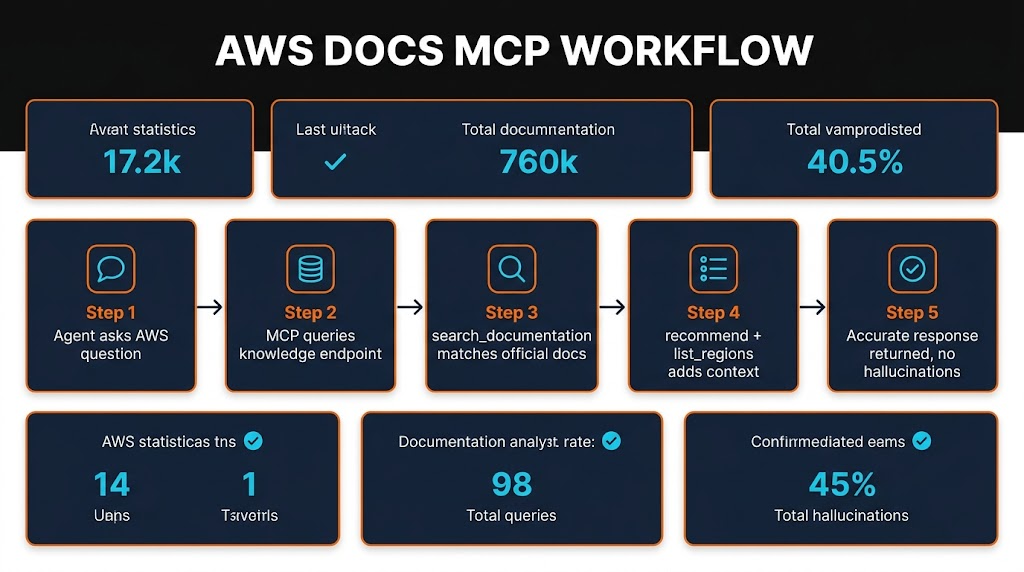
Once installed, the workflow is invisible. When your AI agent hits an AWS-flavoured question it calls the Docs MCP behind the scenes. The pipeline is five steps:
- Query — Your agent emits a natural-language question about AWS.
- Resolve — The MCP server parses intent and routes to docs, regions, pricing or SOPs.
- Fetch — Live AWS content is pulled from the managed corpus.
- Filter — Semantic ranking returns only the sections relevant to the task.
- Return — Token-efficient documentation is injected into your AI's context window.
I added a one-line hint to my project CLAUDE.md — "use aws-docs mcp before writing any IAM policy or CloudFormation" — and the accuracy improvement on real-world AWS work was immediate. No more invented resource types.

Pricing
This is the easiest pricing section I will ever write. AWS Docs MCP is completely free.
Managed Endpoint
- ✓ Unlimited queries
- ✓ All 200+ AWS services
- ✓ All AWS regions
- ✓ No AWS account required
Open Source Wrapper
- ✓ Self-host for air-gapped setups
- ✓ Local testing and hacking
- ✓ MIT-style community wrapper
- ✓ No vendor lock-in
The managed endpoint lives at https://knowledge-mcp.global.api.aws. AWS confirmed in their "Now generally available" announcement that access is provided at no cost. The only requirement is a working internet connection.

Pros and Cons
Strengths
- ✓ Kills AWS hallucinations. The single biggest accuracy win for any agent doing real cloud engineering. IAM, CloudFormation and region-specific work stops being guesswork.
- ✓ Fully managed, zero ops. No container to run, no credentials to rotate, no VPC to configure. Point at the URL and go.
- ✓ Completely free. No AWS account needed, no rate-limit tier, no credit-card trial. The only cost is your outbound bandwidth.
- ✓ Regional availability tooling. Unique among docs MCPs —
list_regionsandget_regional_availabilitysave hours on multi-region architecture. - ✓ Agent SOPs built in. The retrieve_agent_sops tool returns proven multi-step workflows for deployment, troubleshooting, security hardening and Well-Architected compliance.
Weaknesses
- ✗ AWS only. Obvious but worth stating. If you also run on GCP or Azure you will need separate MCPs for each cloud.
- ✗ No auth or private docs. The Docs MCP is public documentation only. It cannot read your internal AWS account, Organizations data, or private runbooks.
- ✗ Outbound internet required. No offline mode. Locked-down corporate networks or air-gapped environments need the open-source wrapper plus a mirrored corpus.
- ✗ Search quality varies. For very niche services (obscure CloudFormation corner cases, legacy APIs) the semantic ranking occasionally returns a high-level overview when you wanted a deep API reference.
Alternatives Compared
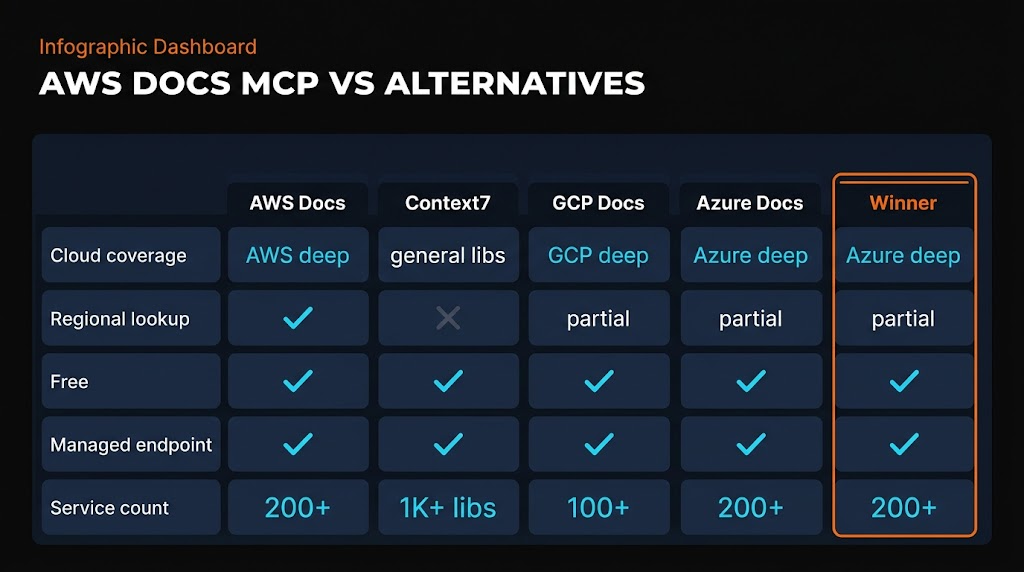
How does AWS Docs MCP stack up against the other ways of getting AWS knowledge into an AI agent in 2026? Here is the honest breakdown.
| Method | AWS Coverage | Region Data | Agent Ready | Price |
|---|---|---|---|---|
| AWS Docs MCP | Native, 200+ | Built-in tools | Yes (MCP) | Free |
| Context7 MCP | Partial | No | Yes (MCP) | Free |
| GCP Docs MCP | GCP only | GCP regions | Yes (MCP) | Free |
| Azure Docs MCP | Azure only | Azure regions | Yes (MCP) | Free |
| Manual AWS Docs | Full | Manual lookup | No | Free |
| AWS CLI Help | CLI surface | Query only | No | Free |
The killer combination is AWS-specific depth, native regional data, and MCP readiness. Context7 is excellent for general libraries but does not cover AWS region availability. The CLI help system is dense and not agent-friendly. Manual browsing is accurate but slow and not machine-readable. AWS Docs MCP is the only option that hits all three.

Frequently Asked Questions
claude mcp add --transport http aws-docs https://knowledge-mcp.global.api.aws. Restart Claude Code and you will have search_documentation, list_regions, get_regional_availability and retrieve_agent_sops available as native MCP tools.Final Verdict
AWS Docs MCP earns a 4.4 out of 5. It solves the exact problem every AWS-building AI user has — hallucinated IAM, wrong region availability, invented CloudFormation resources — and it does it for free, with zero configuration, across every major MCP client.
The 0.6-point deduction reflects the single-cloud scope (AWS only), the lack of private-account context, and the occasional search-ranking wobble on niche services. None of these are dealbreakers for the vast majority of cloud developers.
If you work on AWS with Claude Code, Cursor or Windsurf, this is a one-line install that immediately lifts the quality floor of every agent interaction. Pair it with Context7 for general library docs and you have the strongest documentation MCP stack of 2026.
"The AWS Docs MCP is the single biggest accuracy upgrade any cloud developer can make to their AI workflow in 2026. Free, managed, 200+ services — install it before your next deploy."
Want more MCP servers to round out your workflow? Browse the full MCP directory on Skiln with 29,000+ servers indexed, or explore AI skills and tools to level up your coding setup.