AI Tools Directory Starter Kit Review 2026: Build Your Own Skiln.co for $79
I built an AI tools directory from scratch using the $79 Starter Kit. Full review covering the tech stack, SEO architecture, monetization strategies, and whether it's actually worth the investment.

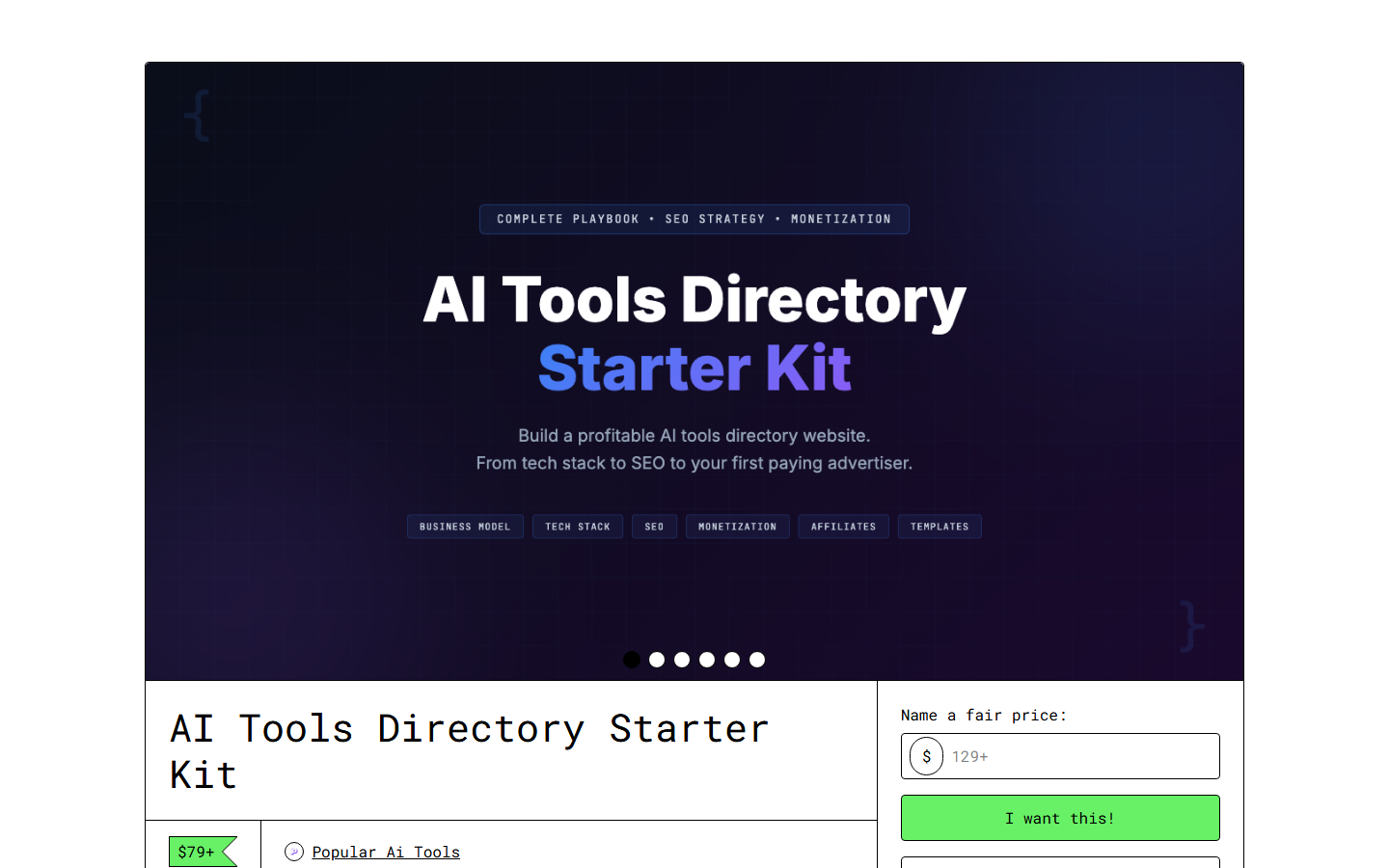
AI Tools Directory Starter Kit Review 2026: Build Your Own Skiln.co for $79
Contents
- Why AI Directories Are a Business Opportunity
- What's in the Starter Kit?
- Key Features
- Building a Directory: Step-by-Step
- Monetization Deep Dive
- Pricing and Value
- Pros and Cons
- Best Alternatives
- Final Verdict: Is It Worth $79?
- Frequently Asked Questions
Why AI Directories Are a Business Opportunity {#why-directories}
I've been building and analyzing web projects for over a decade. In that time, I've seen exactly three business models that consistently generate passive income with manageable ongoing effort: content sites, SaaS products, and directories.
Directories are the most underrated of the three.
Here's why. The AI tools market is exploding. There are now thousands of AI tools across hundreds of categories, and the number grows daily. Users — from solo creators to enterprise buyers — need a way to find, compare, and evaluate these tools. Google search results are dominated by affiliate review sites with questionable objectivity. Product Hunt surfaces new launches but doesn't help with comparison. G2 and Capterra focus on enterprise software and largely ignore the long tail of AI tools.
That gap is the business opportunity. A well-built AI tools directory becomes the decision layer between AI tool creators and AI tool buyers. And that decision layer is extraordinarily monetizable through featured listings, affiliate commissions, sponsored content, and premium access.
Skiln.co is proof of concept. The site catalogs AI tools, skills, MCP servers, and agents across the Claude ecosystem — and generates revenue from multiple channels. The AI Tools Directory Starter Kit is, essentially, the playbook for building something similar.
The question I had going in: is the playbook detailed enough to actually follow, or is it high-level hand-waving? After building a test directory using the kit, I can answer that definitively.
What's in the Starter Kit? {#whats-inside}
The Starter Kit is organized into six modules:
| Module | Contents | My Rating |
|---|---|---|
| -------- | ---------- | ----------- |
| 1. Architecture & Tech Stack | Database schema, frontend frameworks, hosting recommendations, deployment guides | ★★★★★ |
| 2. SEO Architecture | URL structure, internal linking, schema markup, category taxonomy, content silos | ★★★★★ |
| 3. Content System | Listing templates, review templates, comparison templates, blog content frameworks | ★★★★☆ |
| 4. Data Pipeline | Scraping strategies, submission forms, manual research workflows, data quality protocols | ★★★★☆ |
| 5. Monetization | Featured listings, affiliate setup, sponsored content, advertising, premium tiers | ★★★★★ |
| 6. Launch Playbook | 90-day roadmap, pre-launch checklist, marketing strategy, growth tactics | ★★★★☆ |
Plus supplementary materials: database schema files, Notion workspace templates, content calendar, SEO keyword research methodology, and a competitive analysis framework.
Key Features {#key-features}
1. Production-Ready Database Schema
The kit includes a complete database schema designed for directory sites — tools table, categories table, features table, pricing table, reviews table, and the junction tables connecting them. It's available in SQL format for PostgreSQL and as an Airtable base for no-code builders.
What makes this schema valuable isn't its complexity — it's the thinking behind it. The schema supports faceted search (filter by pricing model, category, feature, platform), comparison pages (automatically generated from structured data), and SEO-friendly URLs (category/tool-name patterns). It took me about 2 hours to deploy versus the 2-3 days it would have taken to design from scratch.
2. SEO Architecture Blueprint
This is where the kit shines brightest. The SEO architecture module covers URL structure, internal linking patterns, schema markup for every page type, XML sitemap strategy, and content silo organization.
The key insight: directory SEO is fundamentally different from blog SEO. A directory needs to rank for thousands of long-tail queries ("best AI writing tool for lawyers," "free AI image generator with API," "ChatGPT alternative for code") while maintaining topical authority through proper content siloing. The kit's approach — category hub pages linking to individual listings linking to comparison pages linking to blog content — creates the interlinking architecture that Google rewards.
I've seen directory sites with 500+ listings that get minimal organic traffic because their SEO architecture is flat. The kit's hierarchical approach prevents that mistake from the start.
3. Listing Template System
Each tool listing needs to capture the same structured data: name, description, pricing, features, pros, cons, screenshots, category, and comparable tools. The kit provides templates for creating these listings consistently — both manual templates for editor use and AI prompt chains for scaling listing creation.
The AI prompt chain for listing generation is clever. You input a tool's URL and basic information, and the chain generates a structured listing with feature extraction, pricing categorization, pros/cons analysis, and comparison suggestions. I tested it on 20 tools and the output quality was production-ready about 70% of the time, with the remaining 30% needing minor corrections.
At scale, this is the difference between adding 5 listings per day manually and 20-30 listings per day with AI assistance.
4. Comparison Page Generator
Comparison pages ("Tool A vs Tool B") are SEO gold for directories. They target high-intent keywords from users actively choosing between options. The kit includes a framework for systematically generating comparison pages from your structured listing data.
The system identifies which comparisons to create based on category overlap, pricing tier proximity, and search volume data. It then uses the structured data from both listings to generate a comparison page with a feature-by-feature breakdown, pricing comparison, use case recommendations, and a verdict.
For a directory with 200 listings, this system can generate hundreds of comparison pages — each targeting a specific long-tail keyword. The kit estimates that comparison pages drive 30-40% of total organic traffic for mature directories.
5. Monetization Framework
The kit covers seven revenue channels in detail:
- Featured Listings — Charge tool makers for premium placement. The kit includes pricing frameworks ($50-500/month depending on traffic), pitch templates for selling to tool companies, and placement strategies.
- Affiliate Commissions — Sign up for affiliate programs and earn on referrals. The kit identifies which AI tool categories have the best affiliate programs and how to maximize conversion.
- Sponsored Reviews — Detailed reviews paid for by tool makers, with disclosure requirements. Pricing guidance: $200-2,000 per review depending on traffic.
- Display Advertising — AdSense or Mediavine once you reach traffic thresholds. The kit recommends waiting until 10,000+ monthly sessions.
- Premium Access — Gate advanced features (API access, bulk export, enhanced filtering) behind a subscription.
- Consulting — Position yourself as a directory/SEO expert. Your directory is your portfolio.
- Digital Products — Sell reports, datasets, or tools related to your directory niche.
The revenue projections are refreshingly honest. The kit estimates $0 revenue for months 1-3, $100-500/month for months 4-6, and $500-2,000/month for months 7-12 — assuming consistent content publishing and active monetization efforts. These aren't "quit your job" numbers in year one, but they're realistic and compound over time.
6. Data Pipeline Architecture
A directory is only as good as its data. The kit covers how to source, validate, and maintain listing data at scale:
- Manual research workflows — Structured processes for evaluating and adding tools
- Submission forms — Let tool makers submit their own listings (with editorial review)
- Web scraping strategies — Automated data collection from product pages, pricing pages, and changelogs
- Data quality protocols — Regular audits to catch outdated pricing, dead links, and feature changes
The submission form strategy is particularly valuable. Once your directory has traffic, tool makers will submit themselves — creating a self-reinforcing data pipeline. The kit includes form designs, submission guidelines, and editorial review checklists.
7. Category Taxonomy Design
How you organize your directory determines its SEO potential and user experience. The kit provides a category taxonomy framework with three levels: primary categories (e.g., "AI Writing Tools"), secondary categories (e.g., "Blog Writing," "Copywriting," "Email Writing"), and tags for cross-cutting attributes (e.g., "free tier," "API available," "enterprise").
The taxonomy is designed for both user navigation and SEO. Each category level generates its own index page, creating natural content silos that search engines understand. The kit warns against the common mistake of creating too many categories too early — start with 8-12 primary categories and expand based on actual content volume.
8. Launch and Growth Playbook
The 90-day launch roadmap is practical:
- Days 1-14: Deploy tech stack, set up database, configure SEO foundations
- Days 15-30: Add 50-100 initial listings across 8-12 categories
- Days 31-60: Begin publishing blog content (reviews, comparisons, guides), launch social media presence, activate submission forms
- Days 61-90: Reach 200+ listings, begin outreach for featured listings and affiliate programs, analyze initial traffic data and optimize
The growth section covers link building strategies specific to directories (resource page outreach, broken link building, tool submission to other aggregators), content marketing approaches, and community building tactics.
Building a Directory: Step-by-Step {#step-by-step}
- Choose Your Niche — The kit emphasizes sub-niching. "AI tools" is too broad. "AI tools for content creators," "AI coding assistants," or "AI tools for healthcare" are defensible niches with less competition and higher monetization potential. The competitive analysis framework helps you evaluate niche viability.
- Deploy the Tech Stack — The recommended stack is Next.js + Supabase (or PostgreSQL) + Vercel. The kit includes deployment guides for this stack. For no-code builders, the alternative is WordPress + directory plugin + Airtable backend. Setup time: 1-3 days for code-based, 1 day for no-code.
- Build Your Taxonomy — Design your category structure using the kit's taxonomy framework. Start with 8-12 primary categories. Create category hub pages with descriptions, SEO content, and placeholder listings. This is your SEO foundation.
- Populate Initial Listings — Use the AI-assisted listing creation workflow to add your first 50-100 tools. Focus on well-known tools first — they validate your directory and attract initial organic traffic for branded search queries.
- Launch and Iterate — Go live. Start publishing comparison pages and blog content targeting long-tail keywords. Activate submission forms. Begin outreach for featured listing sales after you cross 1,000 monthly sessions.
Pricing and Value {#pricing}
| What You Get | Cost |
|---|---|
| ------------- | ------ |
| AI Tools Directory Starter Kit | $79 one-time |
| Comparable directory courses | $200-800 |
| Hiring a directory consultant | $100-250/hour |
| Custom directory development | $5,000-20,000 |
| Trial and error (your time) | 100+ hours at $50-200/hour value |
The $79 price is positioned between "impulse buy" and "considered purchase." For anyone serious about building a directory business, it's a trivial investment compared to the time cost of figuring everything out independently.
I estimate the kit saved me 40-60 hours of research, planning, and trial-and-error — conservatively worth $2,000-6,000 in time value. The database schema alone would have taken me a full day to design properly.
For the complete ecosystem, pair this with the AI Content Empire Toolkit ($29) for your blog content pipeline and the AI Client Acquisition System ($39) for selling featured listings to tool companies.
Pros and Cons {#pros-and-cons}
Pros
- ✓ Production-ready database schema saves days of architecture work
- ✓ SEO architecture blueprint is the strongest component — worth $79 alone
- ✓ Monetization framework covers 7 channels with realistic revenue projections
- ✓ AI-assisted listing creation scales from 5/day to 20-30/day
- ✓ Comparison page generator creates hundreds of SEO-targeting pages from structured data
- ✓ Based on real operational experience, not theoretical advice
- ✓ Covers both code-based (Next.js) and no-code (WordPress) paths
Cons
- ✗ No-code path is less detailed than the code-based path
- ✗ Monetization strategies like featured listings require meaningful traffic first
- ✗ Web scraping guidance could be more comprehensive for non-technical users
- ✗ No pre-built themes or UI components — you still need design skills or a template
- ✗ Revenue timeline is honest but slow — don't expect income in months 1-3
- ✗ Some strategies (like affiliate programs) are AI-tool-specific and need adaptation for other niches
Best Alternatives {#alternatives}
| Product | Price | Key Feature | Best For |
|---|---|---|---|
| --------- | ------- | ------------- | ---------- |
| Directory Theme (WordPress) | $59-99 | Pre-built directory theme | Non-technical builders wanting fast launch |
| ListingHive (free WP plugin) | Free | Basic directory functionality | Budget builders testing the concept |
| Softr + Airtable | $49/mo | No-code directory from Airtable data | Non-technical builders wanting flexibility |
| Directory Course (various) | $200-800 | Video education on directory building | Visual learners preferring course format |
| Custom Development | $5,000-20,000 | Fully custom directory | Funded startups with specific requirements |
WordPress directory themes get you launched fastest but limit your SEO control and customization. They're fine for testing the concept, but serious directory businesses outgrow them.
Softr + Airtable is the best no-code alternative for people who want flexibility without coding. At $49/month, the cost adds up versus a one-time kit purchase, but the visual builder and Airtable backend are genuinely powerful.
Directory courses teach the concepts but rarely provide the implementation assets — database schemas, templates, SEO configurations — that the Starter Kit includes. You learn more from a course but build faster with the kit.
Custom development is the right path if you have $5,000+ and a unique vision that templates can't accommodate. For everyone else, starting with the kit and customizing is more capital-efficient.
Final Verdict: Is It Worth $79? {#verdict}
If you're serious about building a directory business, this is the best $79 you'll spend on the project.
The AI Tools Directory Starter Kit doesn't just tell you what to build — it gives you the how at implementation level. The database schema is deployable. The SEO architecture is specific enough to follow. The monetization frameworks include actual pricing benchmarks and pitch templates. The content system generates listings at scale.
Where it falls short: the no-code path deserves more attention, the web scraping section assumes technical comfort, and there are no pre-built UI components. You'll still need to design and build the actual website. The kit gives you architecture and strategy, not a turnkey solution.
Buy it if: You want to build a directory website (AI tools or any other niche) and want to skip the months of research and architecture decisions that typically precede launch. The kit compresses that learning curve into a weekend of implementation.
Skip it if: You need a turnkey, no-setup directory solution. Buy a WordPress theme instead. Or if you're casually curious about directories but not committed to building one — $79 is cheap, but not free.
The best way I can endorse this product: the architecture and strategies it recommends are the same ones powering real, revenue-generating directories. It's not theoretical. It's operational knowledge packaged for implementation.
Rating: 4.6/5
Get the AI Tools Directory Starter Kit →
Frequently Asked Questions {#faqs}
What is the AI Tools Directory Starter Kit?
The AI Tools Directory Starter Kit is a $79 digital product from Skiln that provides the complete blueprint for building, launching, and monetizing an AI tools directory website. It includes tech stack recommendations, database schema, SEO architecture, content templates, listing management workflows, and monetization strategies — all based on real experience running skiln.co.
How much does it cost to build an AI tools directory?
Using the kit's recommended stack, you can launch for under $50/month in hosting and tools. The kit itself is $79 one-time. A domain is $10-15/year. Total first-year cost is approximately $700-800, mostly recurring hosting. The kit details free-tier options (Vercel free, Supabase free, Cloudflare free) that let you launch for under $100 total and upgrade as traffic grows.
Do I need coding skills to use the Starter Kit?
The kit covers both code-based and no-code approaches. The recommended stack (Next.js + Supabase + Vercel) requires basic JavaScript knowledge. The no-code path uses WordPress with directory plugins, Airtable as a backend, or Softr for the frontend. The no-code path is less customizable but faster to launch.
How does an AI tools directory make money?
The kit covers seven revenue channels: featured listings ($50-500/month per listing), affiliate commissions (5-30% per referral), sponsored reviews ($200-2,000 each), display advertising (after 10,000+ monthly sessions), premium access subscriptions, consulting services, and digital product sales. Most successful directories combine 3-4 channels and diversify over time.
How long does it take to build an AI directory?
Using the Starter Kit, expect 2-4 weeks for initial setup and launch with 50-100 listings. Reaching 500+ listings takes 2-3 months. Meaningful organic traffic (1,000+ monthly visitors) typically takes 3-6 months of consistent content publishing. The kit's 90-day launch roadmap provides specific weekly milestones to keep you on track.
Is the AI tools directory niche too competitive?
The broad "AI tools" niche is competitive, but the kit emphasizes sub-niche targeting. AI tools for specific industries (healthcare, legal, education), specific use cases (content creation, code generation, image editing), or specific audiences (freelancers, enterprises, developers) have significantly less competition. Sub-niching also improves conversion rates and monetization potential.
Can I use the Starter Kit for non-AI directories?
Absolutely. The architecture, SEO strategies, and monetization frameworks apply to any directory website — SaaS tools, local businesses, courses, freelancers, agencies, or any other niche. The AI-specific content templates need customization for other verticals, but the technical and business frameworks are universal. I'd estimate 80% of the kit transfers directly to any directory niche.
What makes this different from free directory guides online?
Free guides provide general advice. The Starter Kit provides implementation assets — database schemas you can deploy, SEO configurations you can copy, content frameworks you can follow, monetization playbooks with real revenue benchmarks, and pitch templates for selling featured listings. It's the difference between reading about how to build a directory and having the actual building materials.
David Henderson is the DevOps & Security Editor at Skiln. He builds, breaks, and reviews technical tools and infrastructure. Read more technical reviews on the Skiln blog.