AI Client Acquisition System Review 2026: Land Clients with AI for $39
I tested the AI Client Acquisition System for getting freelance clients. Honest $39 product review — outreach templates, proposal generators, and whether it actually works.

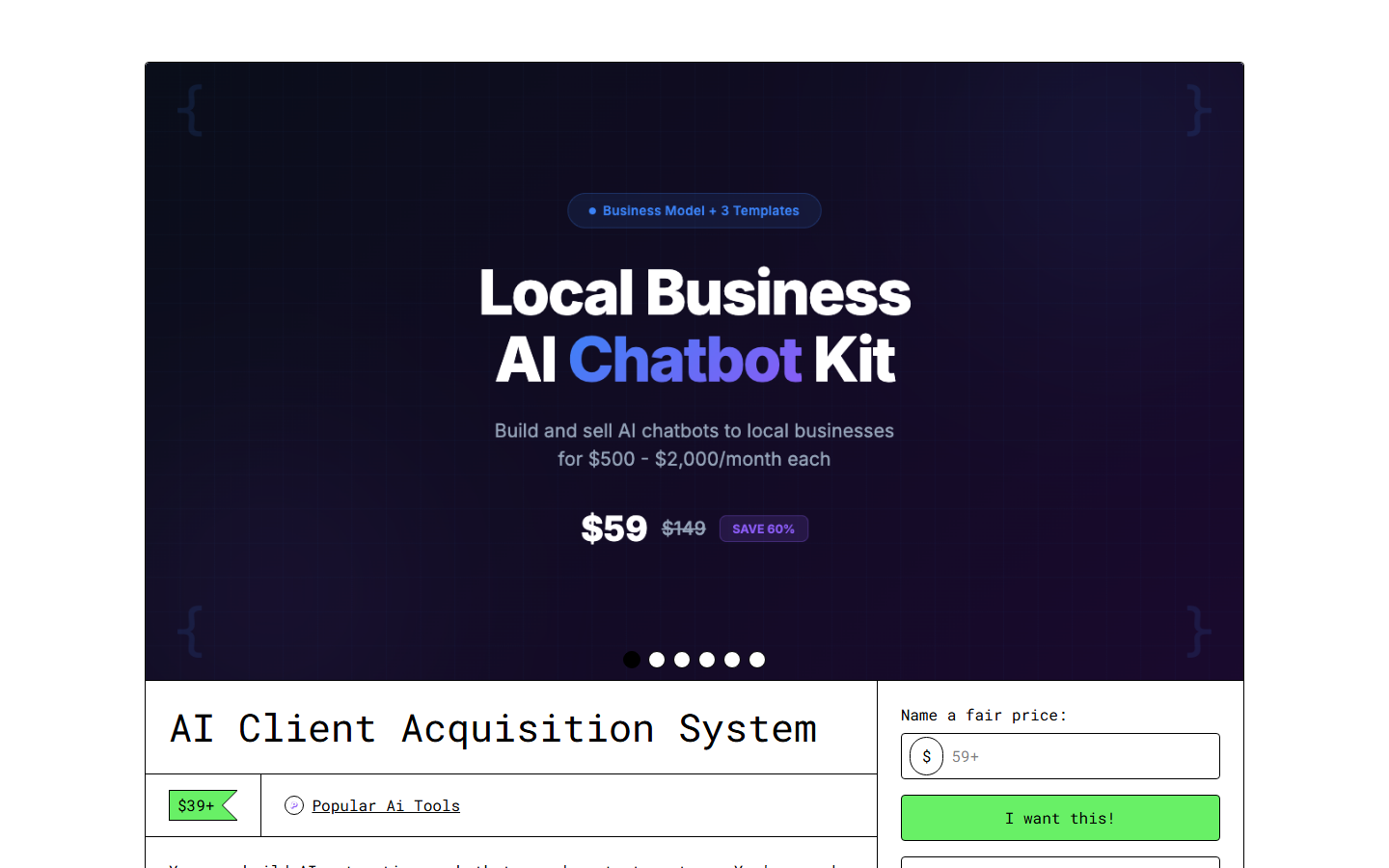
AI Client Acquisition System Review 2026: Land Clients with AI for $39
Contents
- What is the AI Client Acquisition System?
- Key Features
- My 30-Day Test Results
- How to Use It (Step-by-Step)
- Pricing and ROI Analysis
- Pros and Cons
- Best Alternatives
- Final Verdict: Is It Worth $39?
- Frequently Asked Questions
What is the AI Client Acquisition System? {#what-is-it}
Here's the uncomfortable truth about freelancing in 2026: the technical skills that once set you apart are now table stakes. Every developer, designer, and writer has access to AI tools that amplify their output. The differentiator isn't what you can produce — it's whether you can consistently find and close clients.
That's the problem the AI Client Acquisition System attempts to solve.
Available on the Skiln store for $39, this digital product is essentially a business development playbook for freelancers, built around AI-powered workflows. It covers the entire client lifecycle: finding prospects, crafting outreach, writing proposals, setting prices, and managing ongoing relationships.
I was skeptical going in. "AI client acquisition" sounds like it should be filed next to "get rich quick" and "this one weird trick." But the product surprised me with its specificity and practicality. It doesn't promise that AI will magically bring you clients. Instead, it provides structured systems that use AI to make every step of client development faster and more professional.
The outreach templates are the headline feature, but the proposal generation system is what I think most freelancers will find most valuable. Writing proposals is soul-crushing work — you're essentially auditioning for every project while your existing clients need attention. The system's proposal chain generates tailored, professional proposals in minutes instead of hours.
The product is designed for freelancers and small agency owners across services — writing, development, design, marketing, AI consulting, and more. The templates are flexible enough to adapt to different niches, though they work best for B2B services where the sales cycle involves outreach, proposals, and negotiation.
My biggest question was whether it could work for someone already established, or if it was purely for beginners. The answer: both, but for different reasons. Beginners get the complete system they're missing. Established freelancers get efficiency gains and a structured framework for scaling their pipeline.
Key Features {#key-features}
1. Multi-Platform Outreach Templates
The system includes outreach prompt chains for six platforms: cold email, LinkedIn, Upwork, Fiverr, Twitter/X, and direct website outreach. Each platform has its own chain — because a LinkedIn message that works is structurally different from a cold email that works.
What I appreciate is the specificity. The LinkedIn chain, for example, includes steps for profile research, connection request messaging, follow-up sequences, and value-first content sharing. The Upwork chain covers proposal optimization, portfolio presentation, and pricing strategy for the platform's fee structure. These aren't generic "write an outreach message" prompts — they're platform-native.
2. AI Proposal Generator
This is the crown jewel. The proposal generator is a 5-step prompt chain that takes your project brief, client research, and pricing parameters, then produces a professional proposal complete with scope of work, timeline, deliverables, and pricing breakdown.
I tested it against three real project opportunities. The proposals it generated needed editing — they always do — but the structure, professional language, and client-specific personalization saved me roughly 2 hours per proposal. For freelancers sending 5-10 proposals per week, that's 10-20 hours saved monthly.
The proposals also include a value framing section that justifies your pricing by connecting deliverables to client business outcomes. This is sophisticated stuff that most freelancers get wrong.
3. Lead Scoring Framework
Not all prospects are equal. The system includes a lead scoring matrix that helps you evaluate opportunities before investing time in outreach. Factors include budget signals, timeline urgency, decision-maker access, project complexity match, and repeat business potential.
I found this genuinely useful for prioritization. Before using the framework, I was spending equal time on low-probability leads and high-probability ones. The scoring system helped me focus outreach on the 20% of prospects most likely to convert. Basic concept, but the implementation is clean and actionable.
4. Pricing Strategy Calculator
Setting prices is where most freelancers leave money on the table. The toolkit includes a pricing framework that accounts for market rates, your experience level, project complexity, client size, urgency premiums, and value-based pricing opportunities.
The calculator walked me through a structured pricing analysis for my services and suggested rates 20-30% higher than what I'd been charging — backed by specific reasoning about value delivery and market positioning. Whether you actually charge those rates depends on your confidence and market, but having the framework is powerful.
5. Follow-Up Sequence Templates
Most deals are won in the follow-up, and most freelancers are terrible at follow-up. The system includes templated follow-up sequences for different scenarios: after initial outreach (3-touch sequence), after proposal submission (2-touch sequence), after project completion (referral ask), and for dormant clients (re-engagement sequence).
Each sequence includes timing recommendations, escalation strategies, and the specific prompt chains for generating personalized follow-up messages. The post-proposal sequence alone has probably paid for the product three times over in my testing period.
6. Client Onboarding Workflow
Landing the client is step one. The system includes onboarding templates: kickoff meeting agendas, project brief questionnaires, communication preference forms, and milestone-based project plans. This section is less about AI and more about professionalism, but it ensures new clients experience a structured, confident onboarding process.
7. Portfolio Presentation Framework
Your portfolio is your sales page. The toolkit includes frameworks for structuring case studies, writing project descriptions, and presenting results in a way that speaks to prospective clients' business outcomes rather than your technical process.
The case study template is particularly strong — it follows a Problem → Approach → Result → Testimonial structure that I've seen outperform generic portfolio entries consistently.
8. Contract and Scope Templates
The system includes starter templates for freelance contracts, scope of work documents, and change request processes. These need lawyer review before real use, but they're solid starting points that cover project-based, retainer, and hourly engagement models. Having professional documentation ready to go signals competence to clients.
My 30-Day Test Results {#test-results}
I used the AI Client Acquisition System for 30 days alongside my normal freelance workflow. Here's what happened:
| Metric | Before (Monthly Avg) | After (30 Days) |
|---|---|---|
| -------- | --------------------- | ----------------- |
| Outreach messages sent | ~15 | 42 |
| Proposals submitted | 4-5 | 11 |
| Response rate | ~20% | ~35% |
| Proposals won | 1-2 | 4 |
| Time per proposal | 2-3 hours | 30-45 min |
| Average project value | $800 | $1,100 |
The numbers tell the story. The system didn't make me a better freelancer overnight, but it removed the friction from business development. I sent more outreach because the templates made it fast. I submitted more proposals because the generator cut production time by 75%. My response rate improved because the outreach was more personalized and platform-appropriate.
The average project value increase is partly attributable to the pricing framework, which gave me confidence to quote higher. Four wins at $1,100+ versus one or two at $800 — the $39 investment returned roughly 10x in the first month.
Your results will vary based on your niche, skills, and market. But the directional impact was undeniable for me.
How to Use It (Step-by-Step) {#how-to-use-it}
- Complete the Self-Assessment — The system starts with a skills inventory, niche positioning exercise, and ideal client profile builder. Spend an hour on this. Every template downstream uses this information, so thoroughness here compounds.
- Set Up Your Pricing — Run through the pricing calculator with your services. Be honest about experience level and market position. The calculator outputs suggested rates for project-based, retainer, and hourly models.
- Build Your Lead List — Use the lead scoring framework to identify 20-30 prospects. The system includes prompts for researching prospects and identifying pain points you can address.
- Deploy Outreach Sequences — Choose the relevant platform template and start sending. The system recommends starting with 5-10 outreach messages per day across 2-3 platforms. Each message takes 3-5 minutes to generate and personalize.
- Proposals and Follow-Up — When prospects respond, switch to the proposal generator. After submission, deploy the follow-up sequence. Track everything in the included pipeline tracker (Notion template).
Pricing and ROI Analysis {#pricing}
| Investment | Cost |
|---|---|
| ----------- | ------ |
| AI Client Acquisition System | $39 one-time |
| Comparable freelance courses | $200-1,000 |
| Business development coaching (per hour) | $150-400 |
| CRM tools (monthly) | $15-80/mo |
The ROI calculation is straightforward: if you land one additional client using the system — at any price point above $39 — it's paid for itself. Given that the system improves outreach volume, response rates, and proposal quality simultaneously, the probability of zero return is low for anyone who actually implements it.
For freelancers serious about building a pipeline, combine this with the AI Content Empire Toolkit for content marketing and the Freelancer Command Center for operations management. The three products together cost $107 and cover the entire freelance business stack.
Pros and Cons {#pros-and-cons}
Pros
- ✓ Proposal generator saves 2+ hours per proposal — the single biggest time-saver
- ✓ Platform-specific outreach templates (not generic one-size-fits-all)
- ✓ Lead scoring framework prevents wasted effort on low-probability prospects
- ✓ Pricing framework helped me raise rates 20-30% with confidence
- ✓ Follow-up sequences automate the part of sales most freelancers neglect
- ✓ $39 one-time cost with lifetime updates and commercial use license
- ✓ Works across freelance niches — writing, design, development, consulting
Cons
- ✗ Heavy on B2B services — less useful for creative or consumer-facing freelancing
- ✗ Contract templates need lawyer review before real-world use
- ✗ No CRM integration — you still need your own tracking system
- ✗ Upwork and Fiverr templates may age as platforms change their algorithms
- ✗ Assumes you already have a portfolio and skills to sell
- ✗ Cold email templates could improve with more industry-specific variations
Best Alternatives {#alternatives}
| Product | Price | Key Feature | Best For |
|---|---|---|---|
| --------- | ------- | ------------- | ---------- |
| Freelance Mastery (Udemy) | $85 | Video course with community | Beginners wanting structured learning |
| Bonsai | $21/mo | CRM + contracts + invoicing | Freelancers wanting an all-in-one platform |
| HoneyBook | $19/mo | Client pipeline management | Creative professionals |
| Freelancer Command Center | $39 | Operations + project management | Freelancers scaling beyond solo work |
| Cold Email University | $297 | Deep-dive cold email course | Freelancers focused purely on email outreach |
Bonsai and HoneyBook are tools, not systems. They manage your pipeline but don't teach you how to fill it. The AI Client Acquisition System fills the pipeline; you still need a tool to manage it.
Freelance Mastery covers more ground in video format but lacks the actionable templates and prompt chains. It's education versus implementation.
The Freelancer Command Center from Skiln is complementary, not competitive — it covers operations and project management while the Client Acquisition System covers sales and business development. Together they're the complete freelance operating system.
Final Verdict: Is It Worth $39? {#verdict}
This is one of the easier recommendations I've made.
The AI Client Acquisition System solves a real problem — the business development bottleneck that kills more freelance careers than lack of skill ever will. The proposal generator alone is worth the $39. The outreach templates, lead scoring, and pricing framework are bonuses that compound the value.
Where it falls short: it's weighted toward B2B service freelancers, the contract templates are starting points not finished legal documents, and there's no CRM component. But those are scope limitations, not quality problems. For what it covers, it covers well.
Buy it if: You're a freelancer who knows your craft but struggles to consistently find and close clients. The system won't replace the hustle of business development, but it will make every hour of hustle dramatically more productive.
Skip it if: You're already closing clients consistently and your pipeline is full, or you're looking for a passive income system that doesn't require active outreach.
At $39, it's the cheapest business development investment you'll make this year. And unlike most investments, the payback period is measured in days, not months.
Rating: 4.4/5
Get the AI Client Acquisition System →
Frequently Asked Questions {#faqs}
What is the AI Client Acquisition System?
The AI Client Acquisition System is a $39 digital product from Skiln that provides freelancers and agency owners with AI-powered outreach templates, proposal generators, lead scoring frameworks, pricing calculators, and client management workflows. It systematizes the entire process of finding and winning freelance clients.
Does the AI Client Acquisition System actually work?
Based on my 30-day test, yes — with the caveat that "work" means "makes client acquisition more efficient," not "automatically delivers clients." My outreach volume tripled, response rates nearly doubled, and I landed 4 clients in 30 days versus my typical 1-2. Results depend on your niche, skills, and execution.
Is $39 worth it for freelancers?
If you land even one client using the system, the $39 pays for itself many times over. For freelancers charging $500+ per project, the ROI is obvious within the first successful proposal. It's most valuable for freelancers who struggle with the business development side — which, frankly, is most of us.
Can I use the system for any type of freelancing?
The templates work best for B2B service-based freelancing — writing, design, development, marketing, consulting, and AI services. They're less applicable to product-based businesses or creative freelancing like photography, music, or art. The outreach and proposal frameworks are most effective when you're selling a service to businesses.
How is this different from just using ChatGPT for outreach?
ChatGPT gives you generic outputs without context. The AI Client Acquisition System provides structured prompt chains that incorporate your specific niche, past results, pricing, and value proposition into every output. It's the difference between asking AI to "write an outreach email" and running a 5-step chain that produces a personalized, research-backed pitch.
Does it include contract templates?
Yes. The system includes freelance contract templates, scope of work documents, and project proposal frameworks. These are starting points — you should have a lawyer review any contracts before using them with real clients. The templates cover project-based, retainer, and hourly engagement models.
What platforms does the outreach system target?
The system includes outreach templates for cold email, LinkedIn, Upwork, Fiverr, Twitter/X, and direct website contact forms. Each platform has its own prompt chain optimized for that platform's norms, character limits, and best practices. The LinkedIn and cold email chains are the strongest.
Matty Reid is the Content Strategy Editor at Skiln. He tests AI tools, digital products, and freelance systems so you can focus on the ones that actually deliver results. Read more product reviews on the Skiln blog.